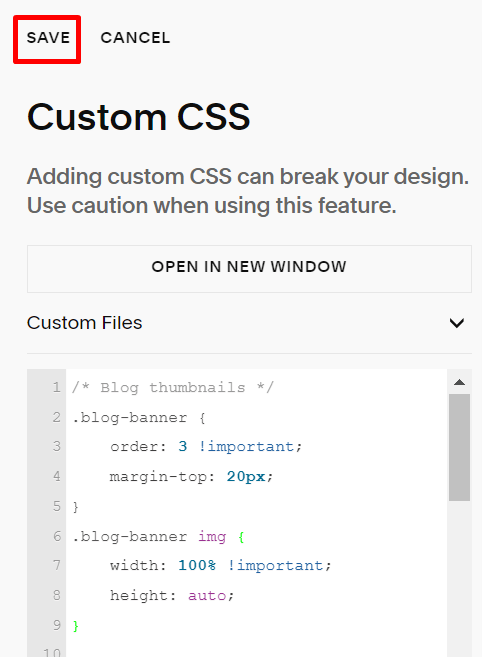
#1. Use this code to Custom CSS box
/* Blog thumbnails */
.blog-banner {
    order: 3 !important;
    margin-top: 20px;
}
.blog-banner img {
    width: 100% !important;
    height: auto;
}
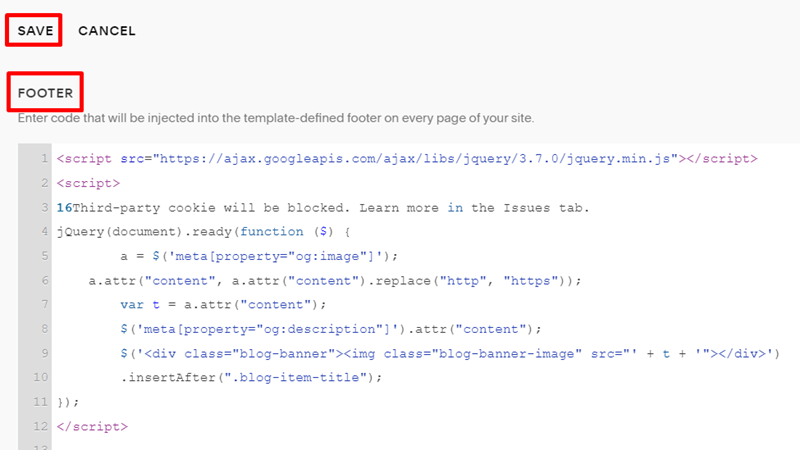
#2. Use this code to Code Injection – Footer
<script src="https://ajax.googleapis.com/ajax/libs/jquery/3.7.0/jquery.min.js"></script>
<script>
16Third-party cookie will be blocked. Learn more in the Issues tab.
jQuery(document).ready(function ($) {
        a = $('meta[property="og:image"]');
    a.attr("content", a.attr("content").replace("http", "https"));
        var t = a.attr("content");
        $('meta[property="og:description"]').attr("content");
        $('<div class="blog-banner"><img class="blog-banner-image" src="' + t + '"></div>')
        .insertAfter(".blog-item-title");
});
</script>
Result: