To change Shop Page or Product Category Page to 2 columns on Mobile, just follow these.
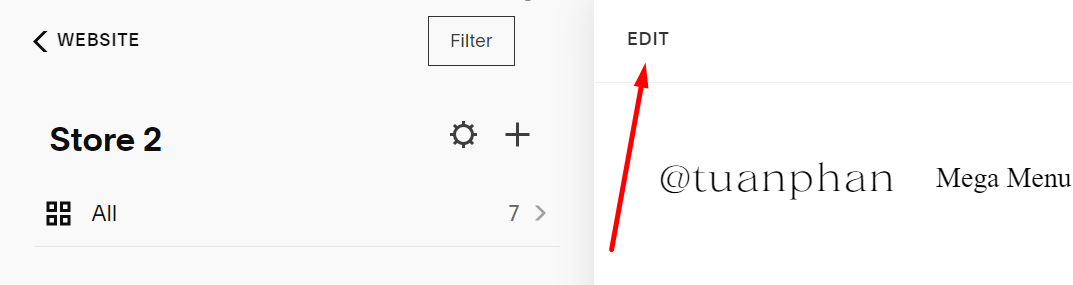
#1. Open Shop Page and click Edit
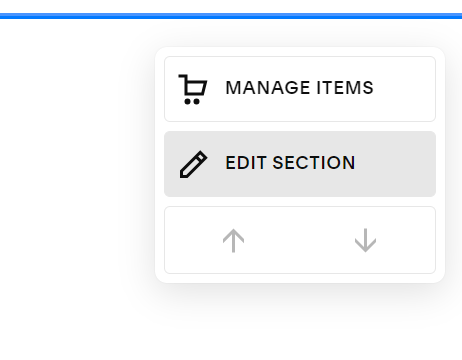
#2. Hover on Shop Page Content > Click Edit Section
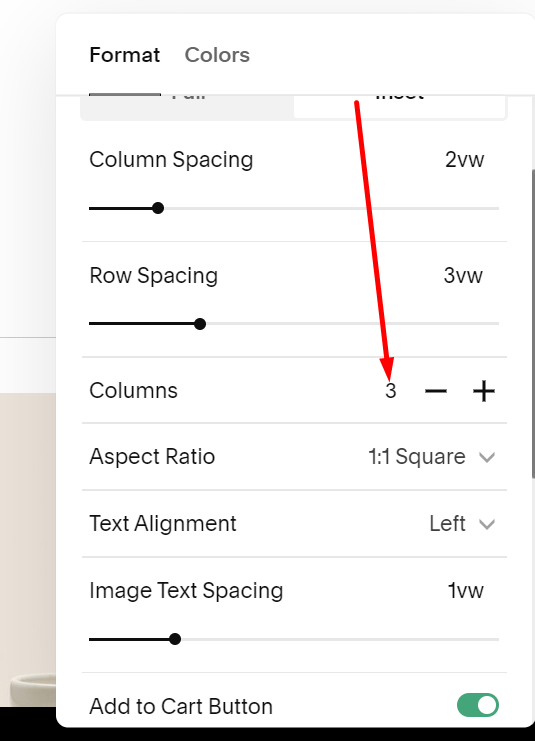
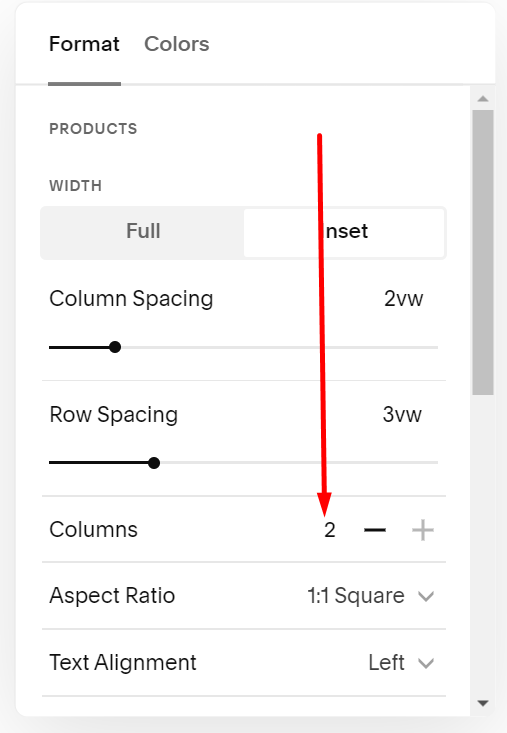
#3. Look at this option. This will change number of columns on Desktop
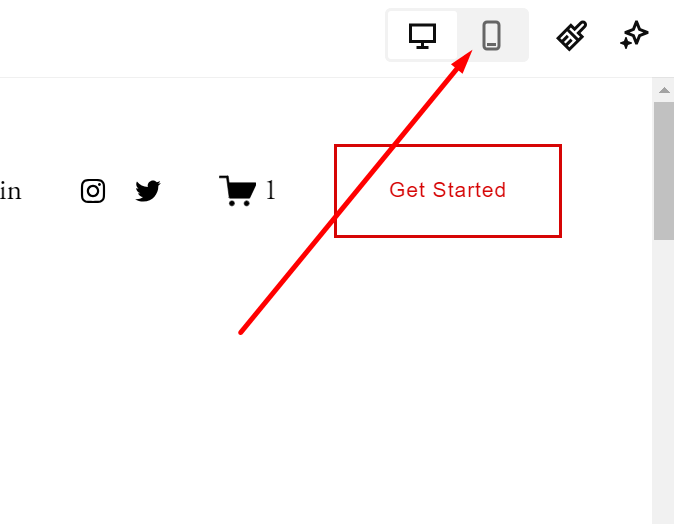
To change to 2 Columns on Mobile, look at the top right of the page and click the Mobile icon.
Edit Section > Then choose 2
And Save