If you want to click event item >> open external url, you can follow these steps
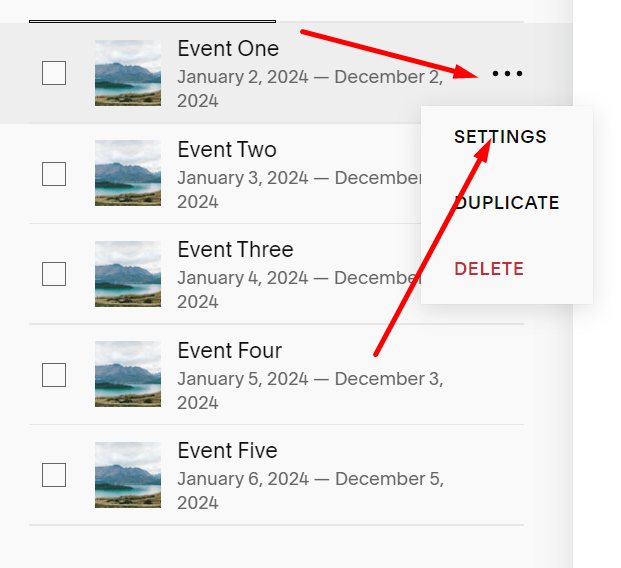
#1. Hover on 3 dots > Click Settings
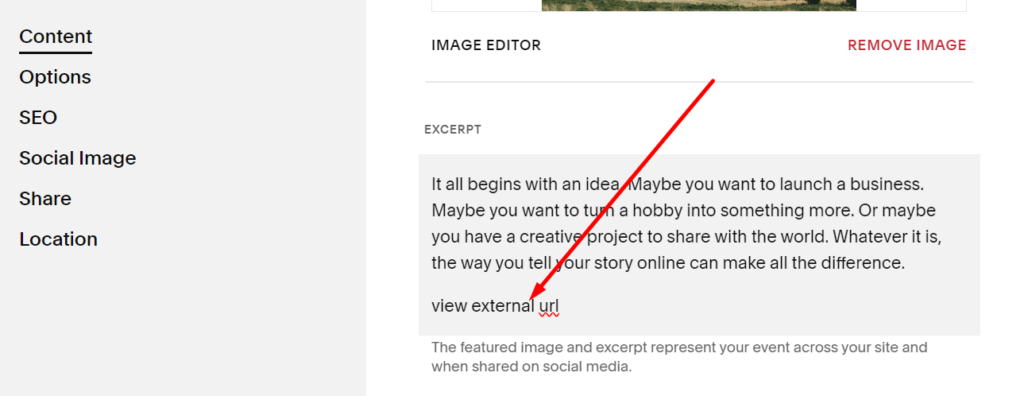
#2. Enter a text in Except
 #3. Highlight it > Click Link icon
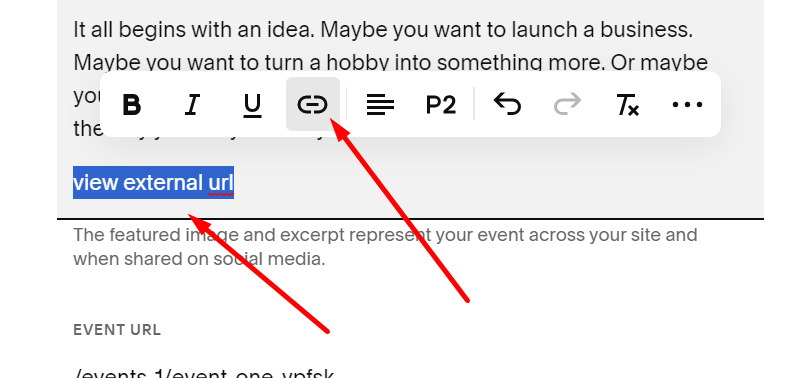
And add external url > Apply

Then Save
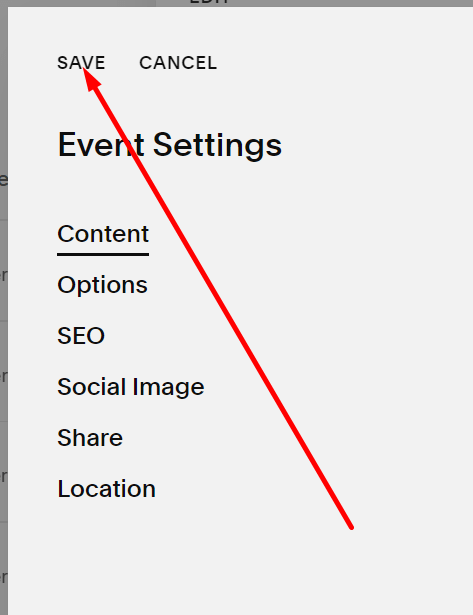
Result
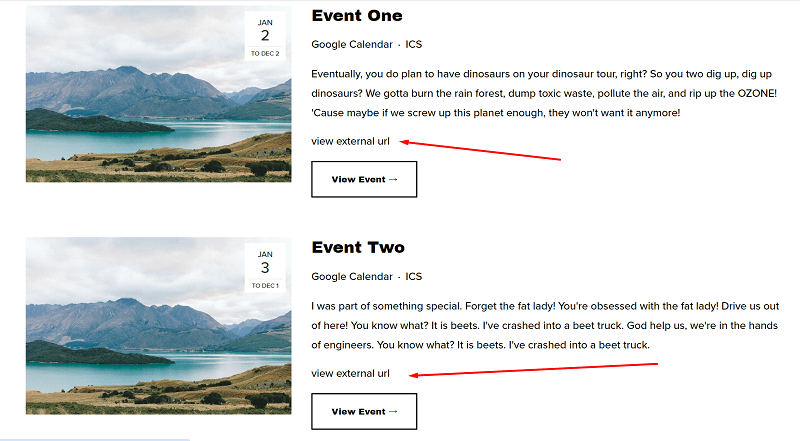
#4. Add this code to Code Injection > Footer
<script src="https://ajax.googleapis.com/ajax/libs/jquery/3.7.0/jquery.min.js"></script>
<script>
$(document).ready(() => {
    const a = $('.eventlist-event')
    for (let i=0; i<a.length; i++) {
        const newH = $(a[i]).find("a:contains('view external url')").attr('href');
        $(a[i]).find('a').click((e) => {
            e.preventDefault()
            window.open(newH)
        })
    }

})
</script>
<style>
.eventlist-excerpt a {
    display: none;
}
</style>
the code will hide Excerpt Text URL + Change Button/Title/Image link to External Text URL