By default, there is no option to add a title to the Gallery Section.
You can follow these following steps to do this
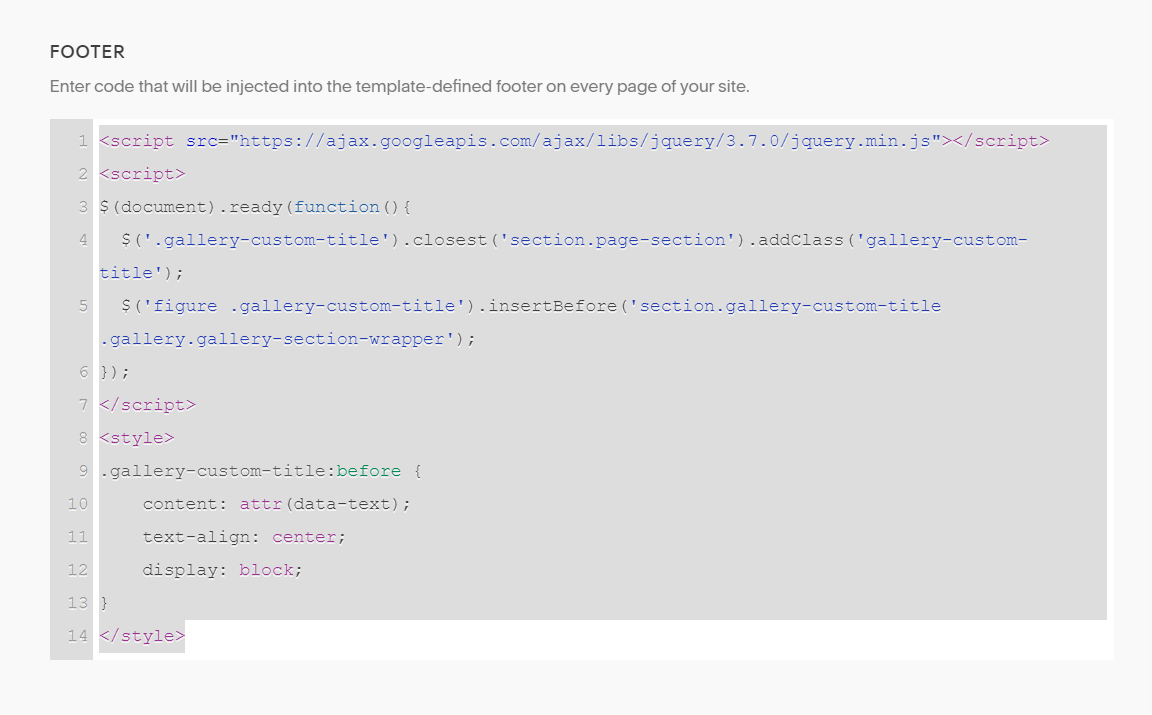
#1. Add this code to Code Injection > Footer (chèn link)
<script src="https://ajax.googleapis.com/ajax/libs/jquery/3.7.0/jquery.min.js"></script>
<script>
$(document).ready(function(){
  $('.gallery-custom-title').closest('section.page-section').addClass('gallery-custom-title');
  $('figure .gallery-custom-title').insertBefore('section.gallery-custom-title .gallery.gallery-section-wrapper');
});
</script>
<style>
.gallery-custom-title:before {
    content: attr(data-text);
    text-align: center;
    display: block;
}
</style>
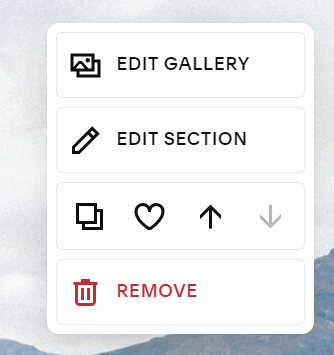
#2. Edit your Gallery Section > Click Edit Gallery
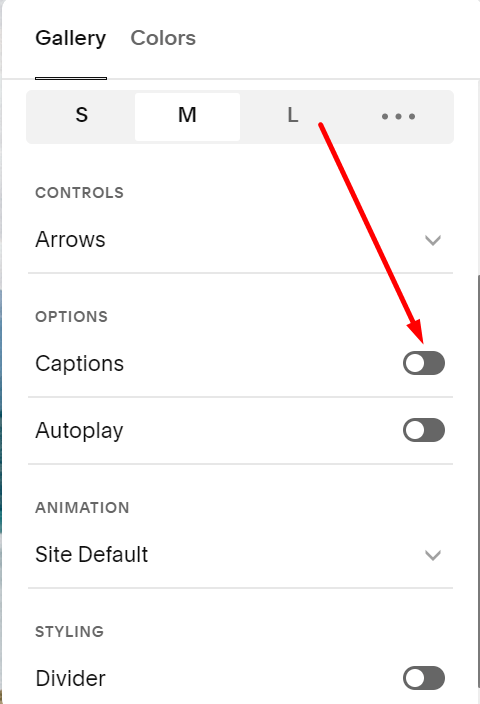
And make sure this option is enabled
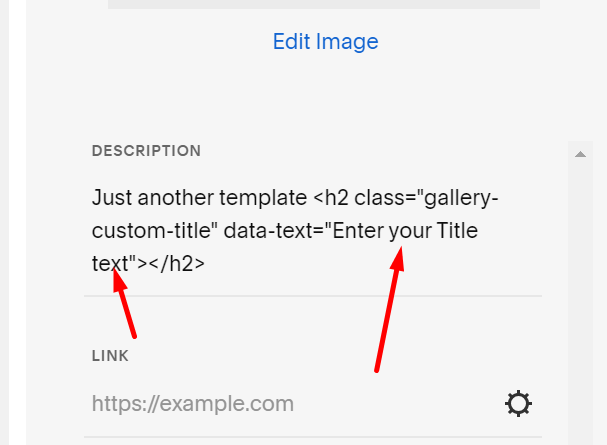
Enter this code to LAST IMAGE CAPTION text.
<h2 class="gallery-custom-title" data-text="Enter your Title text"></h2>
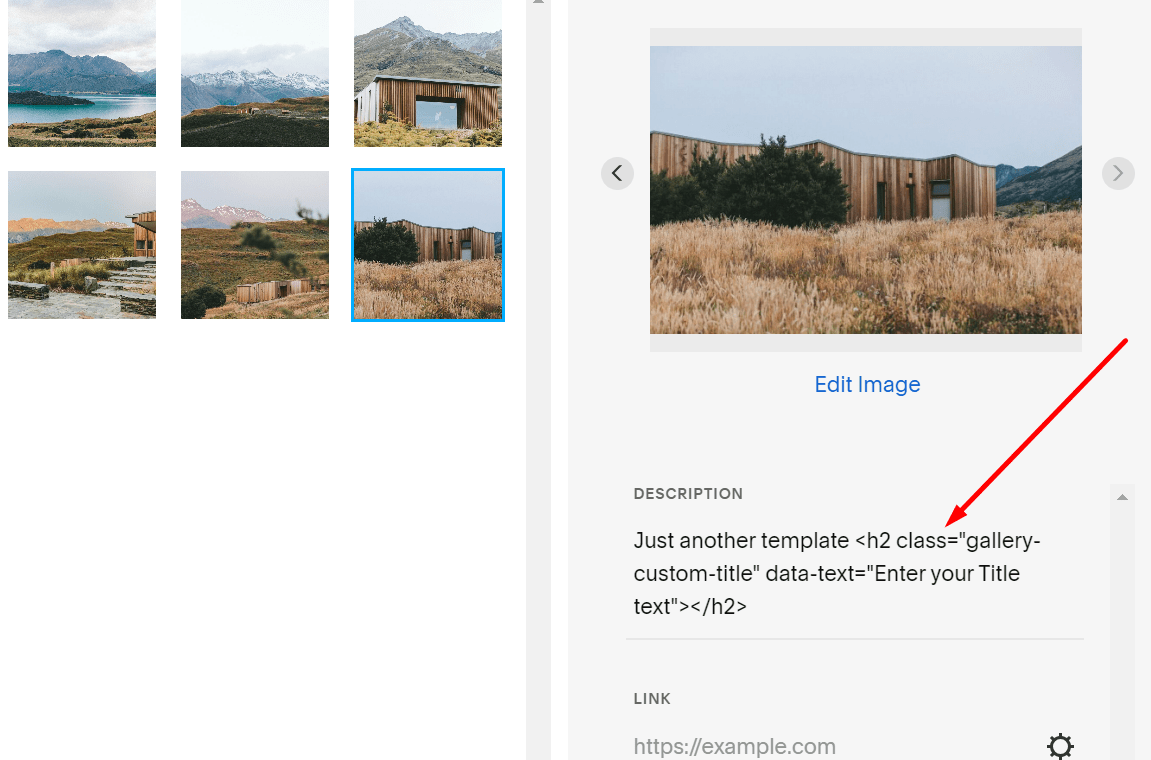
Add your text here
Result

Note: The code supports all types of Gallery Sections!