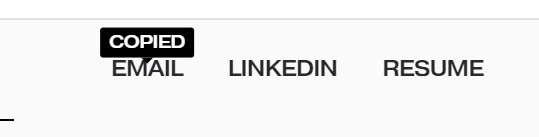
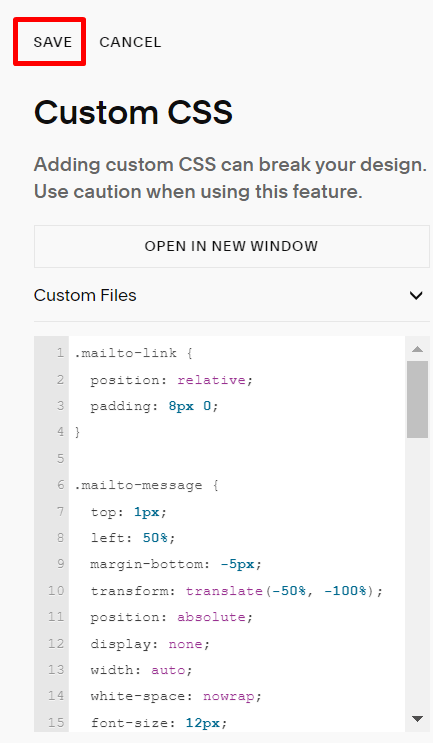
#1. Use this code to Custom CSS box
.mailto-link {
  position: relative;
  padding: 8px 0;
}

.mailto-message {
  top: 1px;
  left: 50%;
  margin-bottom: -5px;
  transform: translate(-50%, -100%);
  position: absolute;
  display: none;
  width: auto;
  white-space: nowrap;
  font-size: 12px;
  background-color: black;
  color: white;
  padding: 2px 6px;
  border-radius: 2px;
}
.mailto-message:after, .mailto-message:before {
  content: "";
}
.mailto-message:before {
  top: 100%;
  left: 50%;
  border: solid transparent;
  height: 0;
  width: 0;
  position: absolute;
  pointer-events: none;
  border-color: rgba(0, 0, 0, 0);
  border-top-color: #000000;
  border-width: 4px;
  margin-left: -4px;
}

.mailto-link:hover .mailto-message,
.mailto-link:focus .mailto-message,
.mailto-link:focus-within .mailto-message {
  display: block;
}
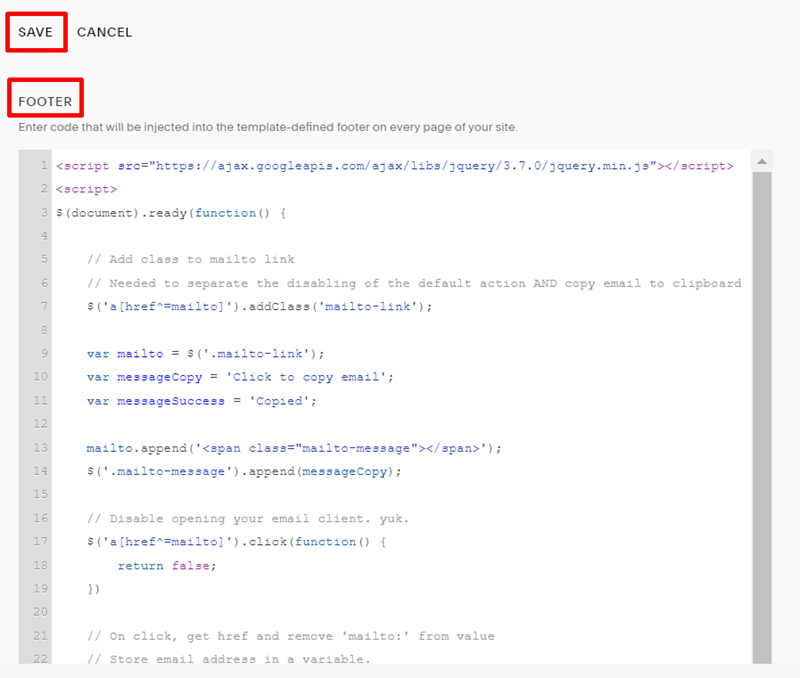
#2. Use this code to Code Injection – Footer (or Markdown Block in Footer if the plan doesn’t support Code Injection)
<script src="https://ajax.googleapis.com/ajax/libs/jquery/3.7.0/jquery.min.js"></script>
<script>
$(document).ready(function() {

    // Add class to mailto link
    // Needed to separate the disabling of the default action AND copy email to clipboard
    $('a[href^=mailto]').addClass('mailto-link');

    var mailto = $('.mailto-link');
    var messageCopy = 'Click to copy email';
    var messageSuccess = 'Copied';

    mailto.append('<span class="mailto-message"></span>');
    $('.mailto-message').append(messageCopy);

    // Disable opening your email client. yuk.
    $('a[href^=mailto]').click(function() {
        return false;
    })

    // On click, get href and remove 'mailto:' from value
    // Store email address in a variable.
    mailto.click(function() {
        var href = $(this).attr('href');
        var email = href.replace('mailto:', '');
        copyToClipboard(email);
        $('.mailto-message').empty().append(messageSuccess);
        setTimeout(function() {
            $('.mailto-message').empty().append(messageCopy);}, 2000);
    });

});

// Grabbed this from Stack Overflow.
// Copies the email variable to clipboard
function copyToClipboard(text) {
    var dummy = document.createElement("input");
    document.body.appendChild(dummy);
    dummy.setAttribute('value', text);
    dummy.select();
    document.execCommand('copy');
    document.body.removeChild(dummy);
}
</script>
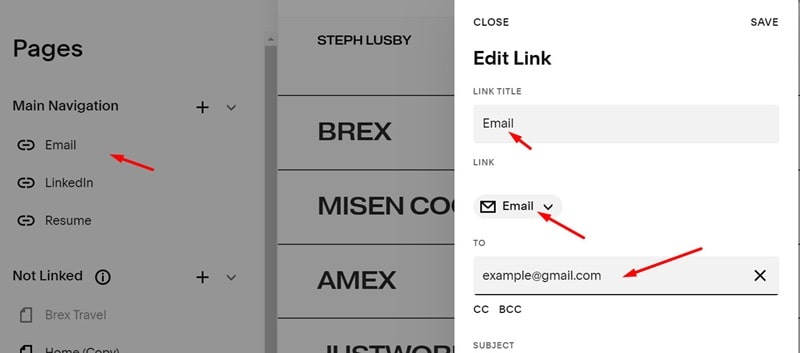
#3. Add an email item to the Navigation
#4. Result
When hover the Email item:
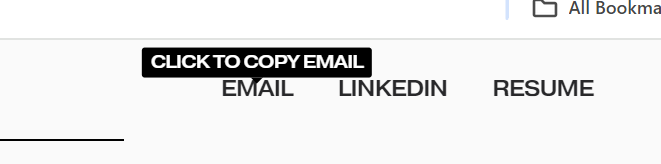
When click the Email item