Suppose you want to add an icon like this to a corner of Gallery Section Images.

#1. Use this free tool to find the section id. In my example, we will have:
- section[data-section-id=”65e0ebffbf13c3601b617515″]

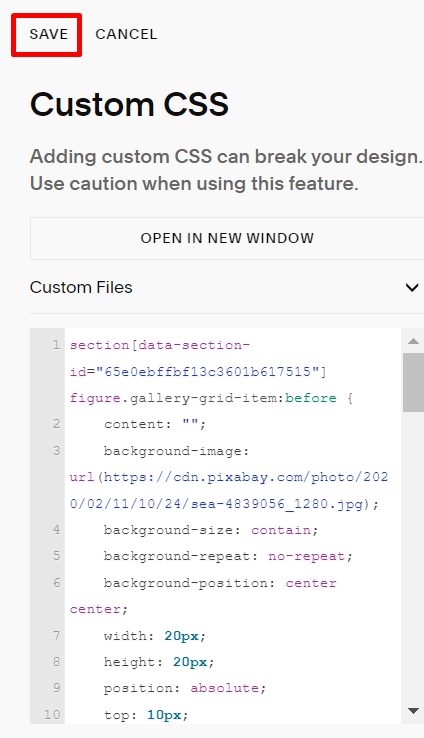
#2. Use this code to Custom CSS box
section[data-section-id="65e0ebffbf13c3601b617515"] figure.gallery-grid-item:before {
    content: "";
    background-image: url(https://cdn.pixabay.com/photo/2020/02/11/10/24/sea-4839056_1280.jpg);
    background-size: contain;
    background-repeat: no-repeat;
    background-position: center center;
    width: 20px;
    height: 20px;
    position: absolute;
    top: 10px;
    left: 10px;
    z-index: 999999;
}
figure.gallery-grid-item {
    position: relative;
}
#3. Result