To add List Banner Slideshow, you can follow these steps
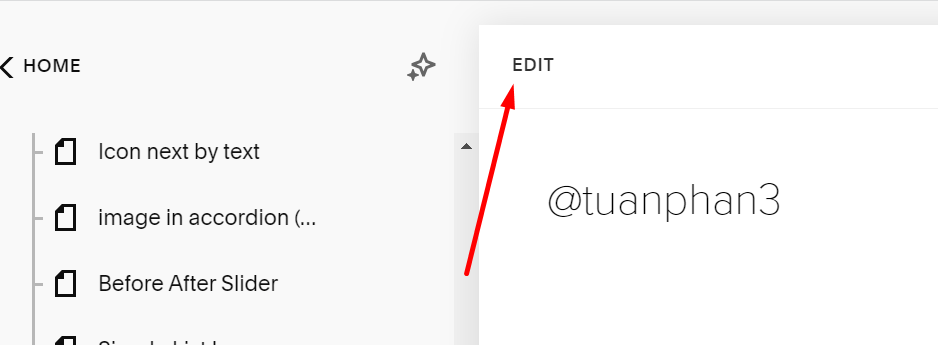
#1. First edit page where you want to add List Banner Slideshow > Add a Section

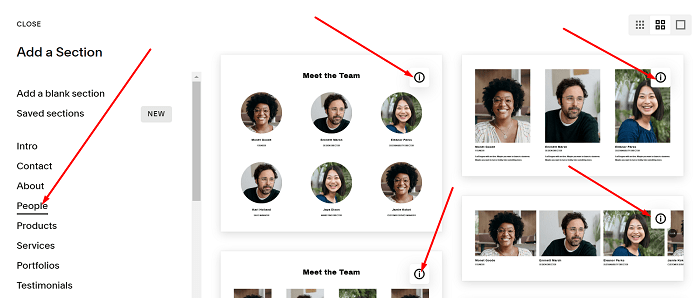
#2. Choose People > Choose section with (i) icon
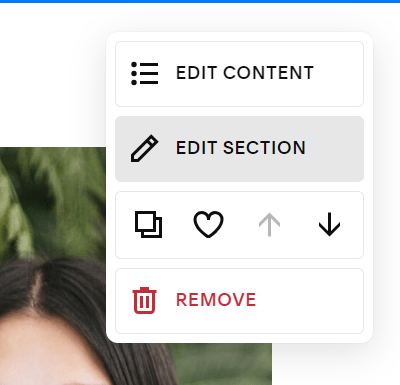
#3. Click Edit Content
and choose Design > Banner Slideshow

To add List Banner Slideshow, you can follow these steps
#1. First edit page where you want to add List Banner Slideshow > Add a Section
#2. Choose People > Choose section with (i) icon
#3. Click Edit Content
and choose Design > Banner Slideshow