Demo: https://tuanphan3.squarespace.com/video-clickable-1?noredirect
Password: abc
Suppose you want to make these videos clickable to a new page, you can follow these steps:
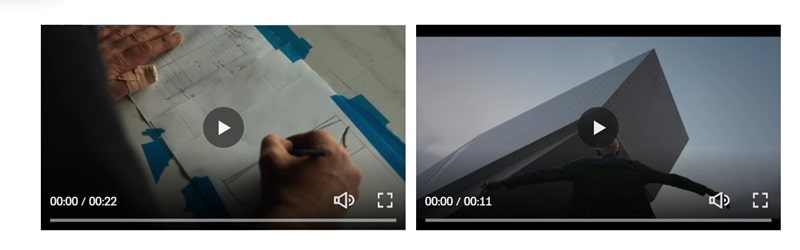
#1. First, add 2 Text Blocks over the whole video. Like this
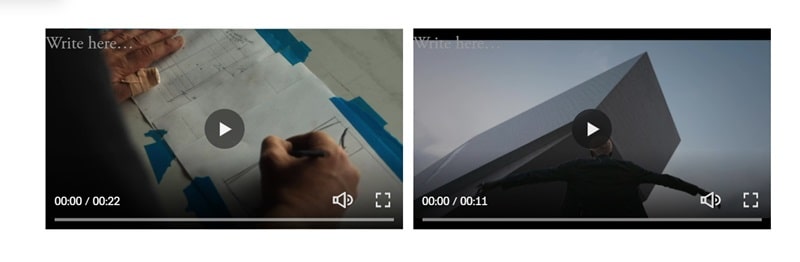
#2. Add a text with a link on each Text Block, you can use any text and desired new page URL
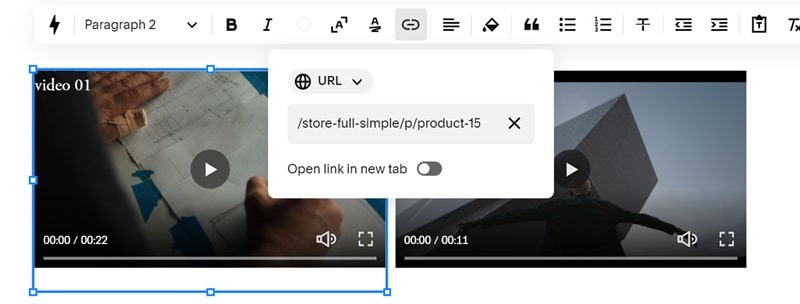
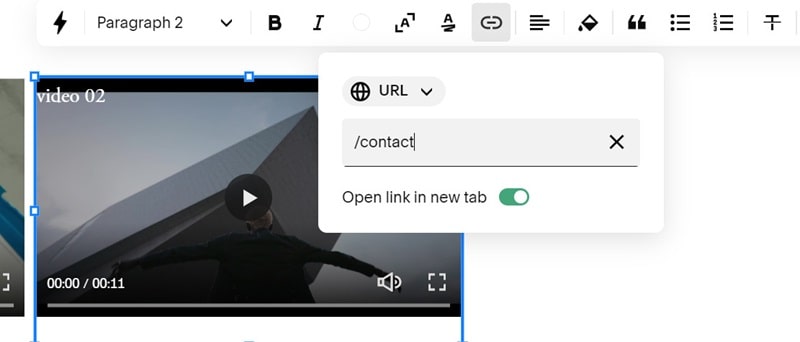
#3. Install Squarespace ID Finder (free) to find the ID of Text Blocks.
In my example, we will have:
- Left Text Block: #block-yui_3_17_2_1_1710814619660_28319
- Right Text Block: #block-0cf09004799c12d6b534
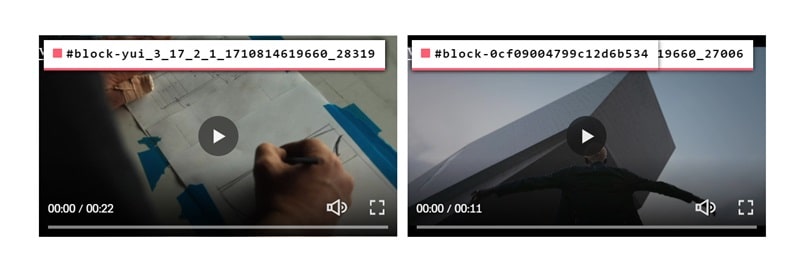
#4. Use this code to Custom CSS box
div#block-yui_3_17_2_1_1710814619660_28319 a, div#block-yui_3_17_2_1_1710814619660_27006 a {
    position: absolute;
    top: 0;
    left: 0;
    width: 100%;
    height: 100%;
    z-index: 9999;
    border: none !important;
    text-decoration: none !important;
    color: transparent !important;
    opacity: 0 !important;
}