Description
- header smaller on scroll
- blurry header on scroll
#1. Install Code
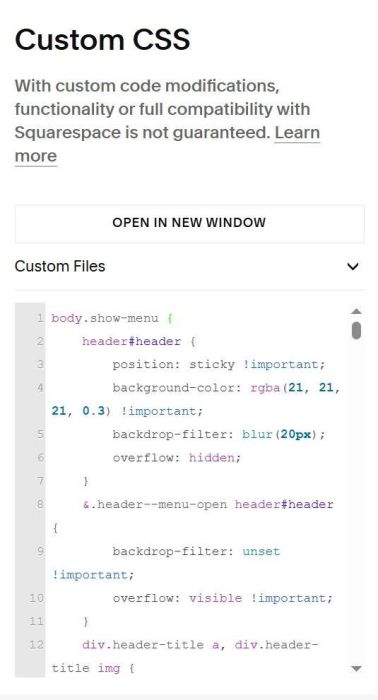
#1.1. First, use this code to Custom CSS
body.show-menu {
    header#header {
        position: sticky !important;
        background-color: rgba(21, 21, 21, 0.3) !important;
        backdrop-filter: blur(20px);
        overflow: hidden;
    }
    &.header--menu-open header#header {
        backdrop-filter: unset !important;
        overflow: visible !important;
    }
    div.header-title a, div.header-title img {
        max-height: 30px;
        transition: all 0.3s ease;
    }
}
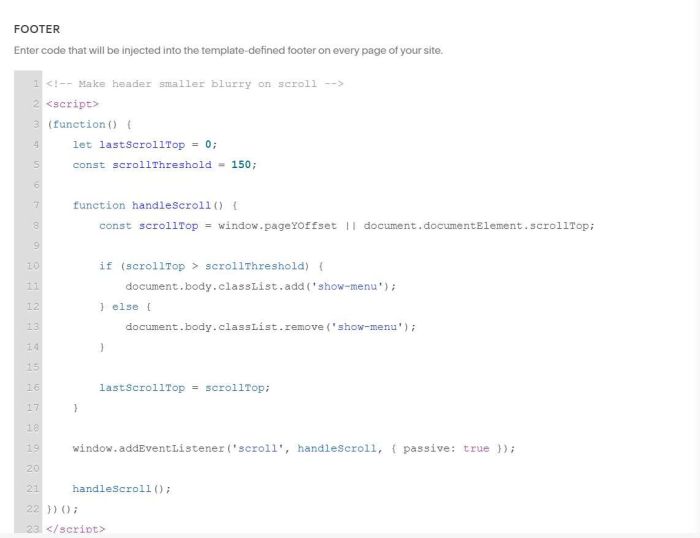
#1.2. Use this code to Code Injection > Header
<!-- Make header smaller blurry on scroll -->
<script>
(function() {
    let lastScrollTop = 0;
    const scrollThreshold = 150;

    function handleScroll() {
        const scrollTop = window.pageYOffset || document.documentElement.scrollTop;

        if (scrollTop > scrollThreshold) {
            document.body.classList.add('show-menu');
        } else {
            document.body.classList.remove('show-menu');
        }

        lastScrollTop = scrollTop;
    }

    window.addEventListener('scroll', handleScroll, { passive: true });

    handleScroll();
})();
</script>
#2. Customize
#2.1. To change Logo size on scroll, change this number 30
div.header-title a, div.header-title img {
    max-height: 30px;
    transition: all 0.3s ease;
}
#2.2. To change header color, blurry on scroll, change these lines
 background-color: rgba(21, 21, 21, 0.3) !important;
backdrop-filter: blur(20px);