Here 2 ways to add Share Icons into Blog Posts Squarespace
Option 1. Add Social Share Icons with Shareaholic
First, access Shareaholic.com and click Get stared for free today

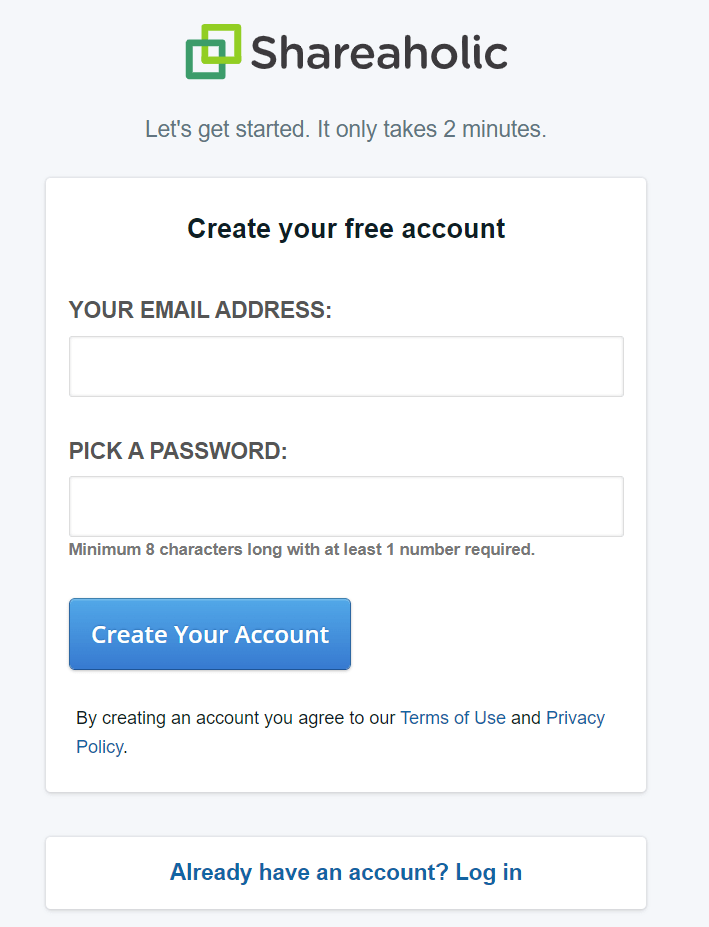
Next, create a free account
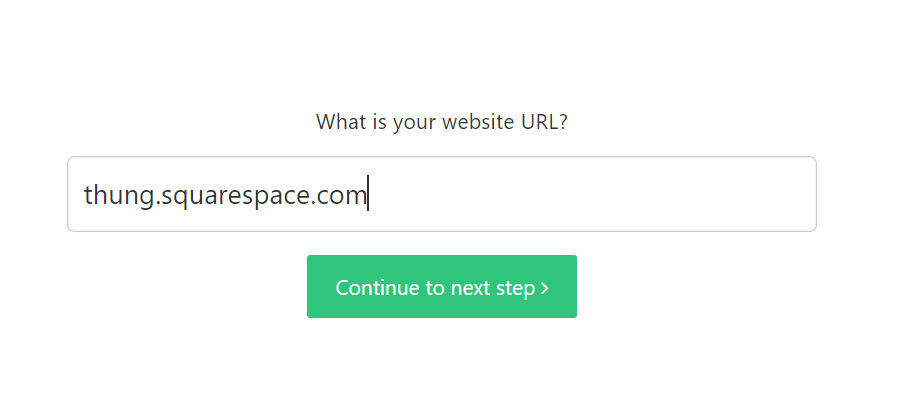
Add a website

Enter your Squarespace site (I haven’t connected with live domain yet so I use built-in domain)
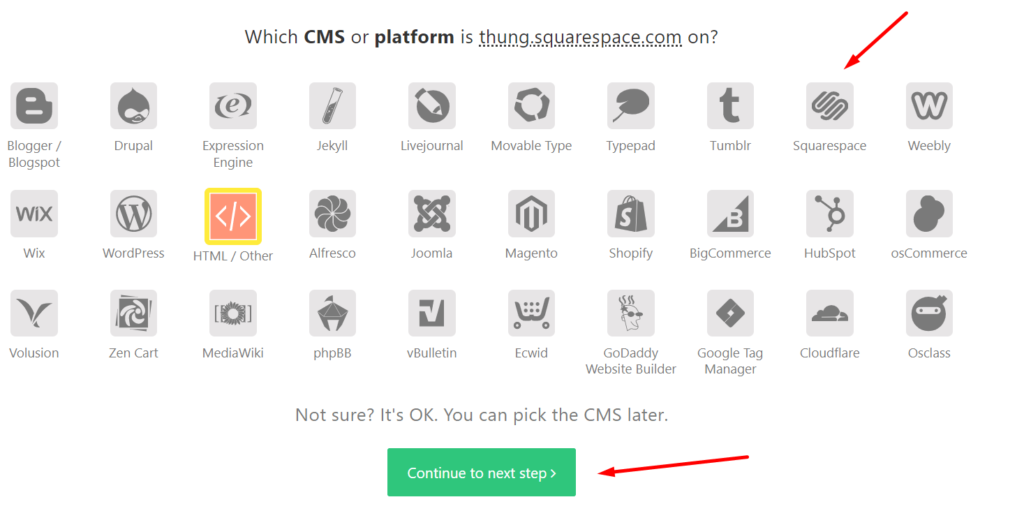
Choose Squarespace
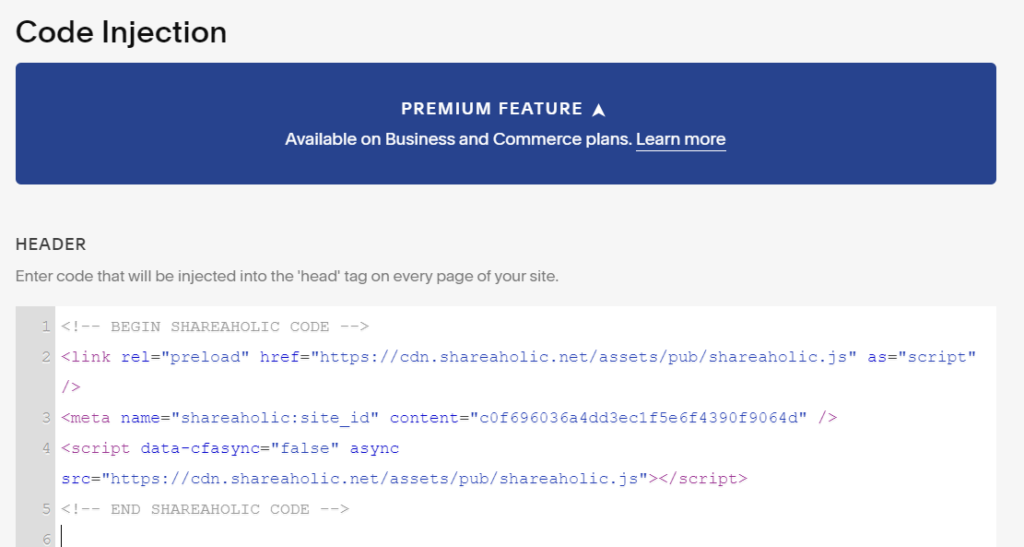
Copy the embed code
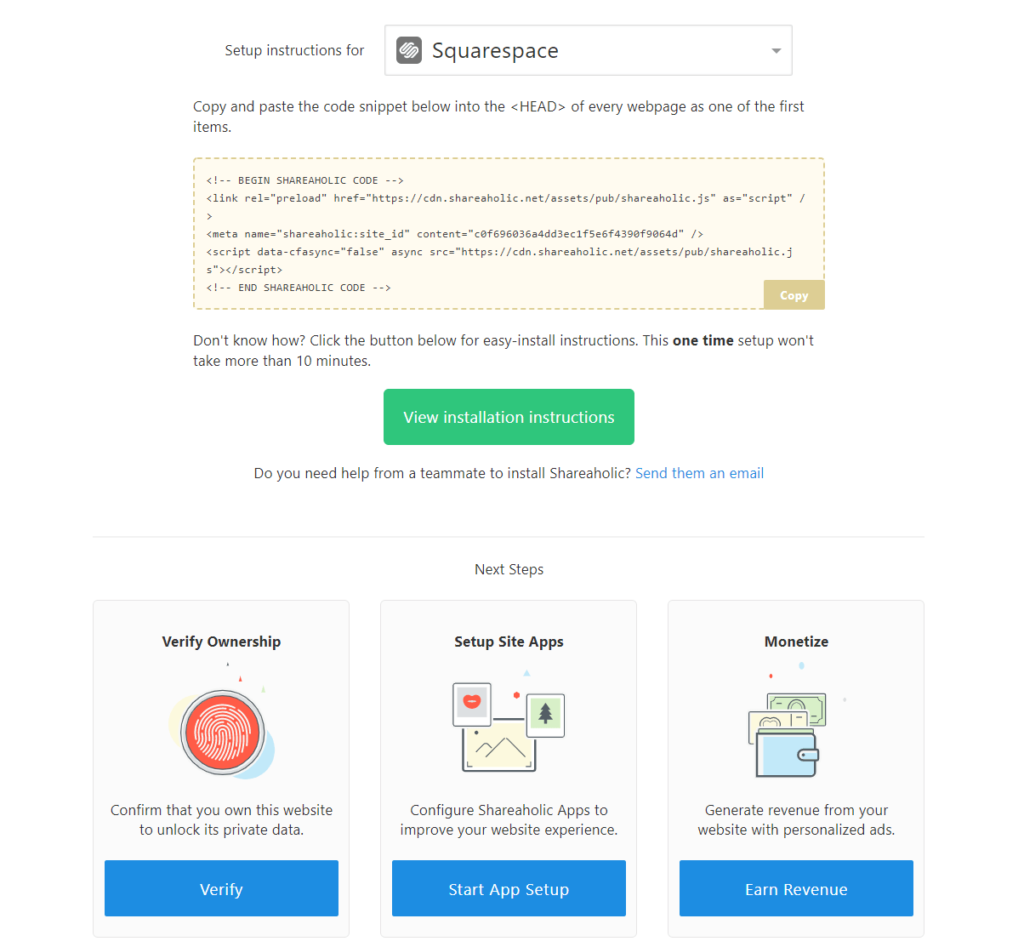
Add to Settings > Advanced > Code Injection > Header (or Blog Page Header)
Next, click Start App Setup
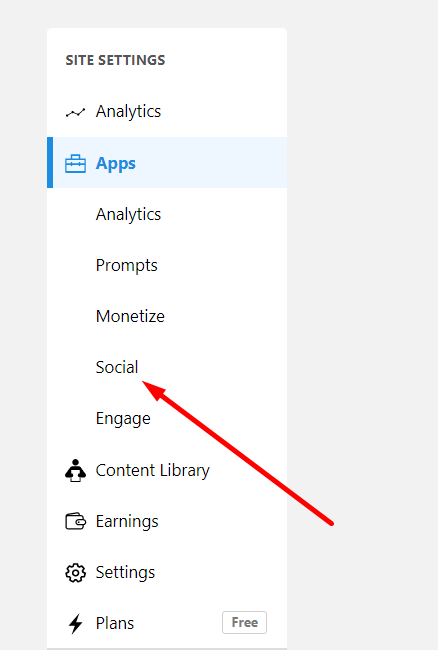
Click Social
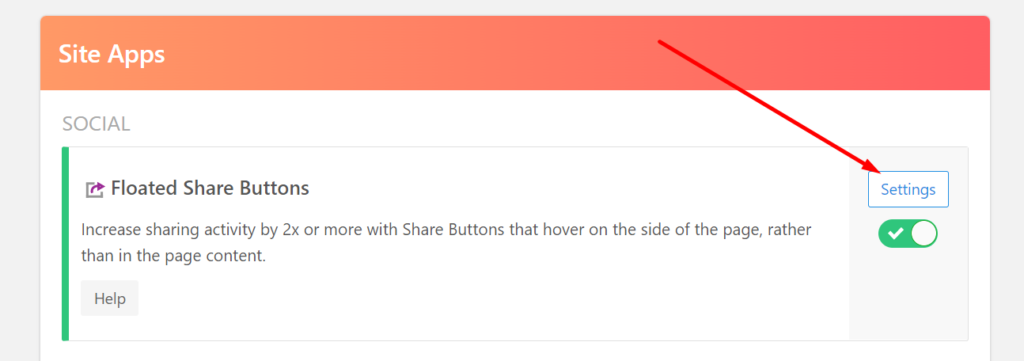
Click Settings
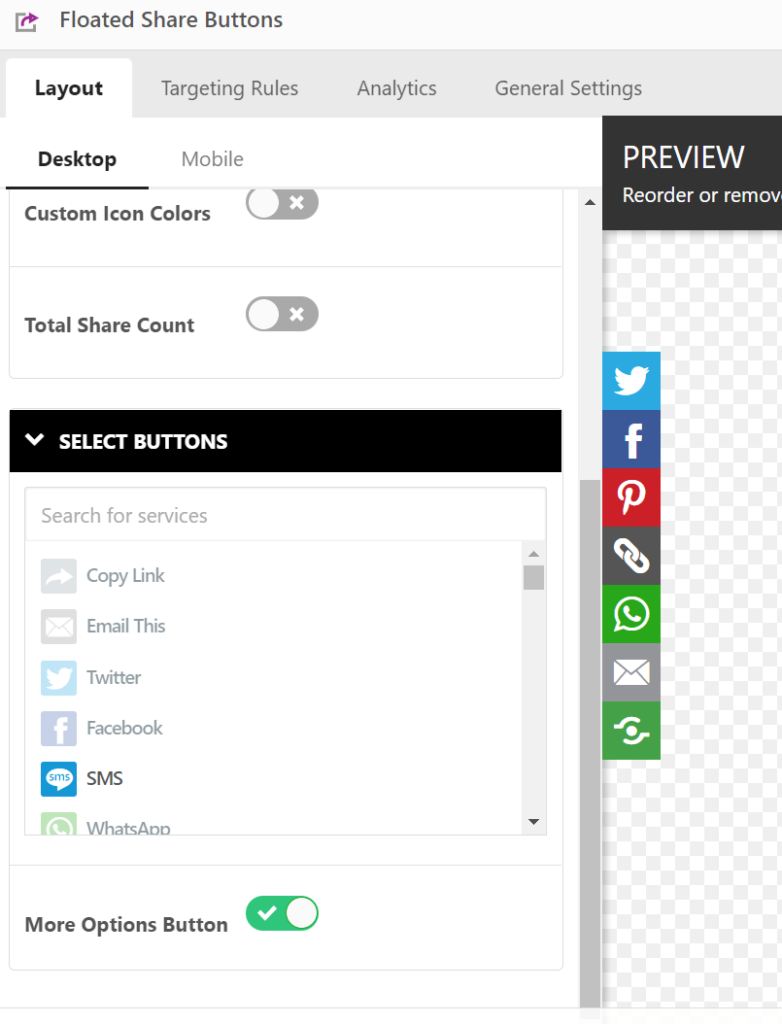
Then you can adjust everything!
Result

Option 2. Add Share Icons use Elfsight
First, access this share widget site & click Try a demo

Select a template (You can adjust share icons then)
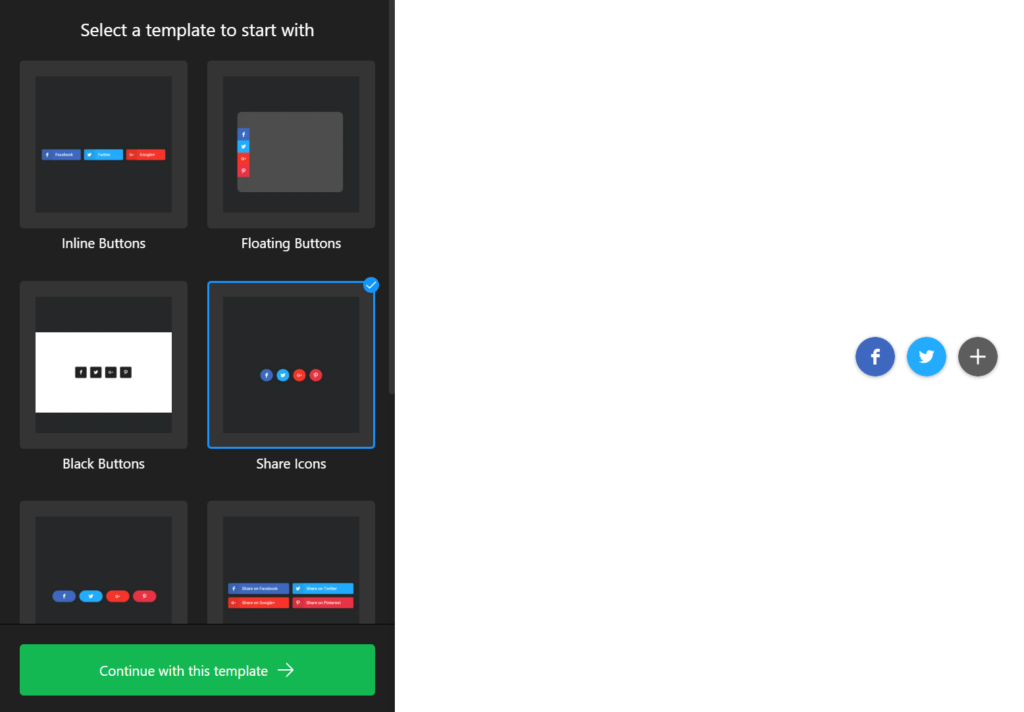
Design your Share Icons, then click Add to website
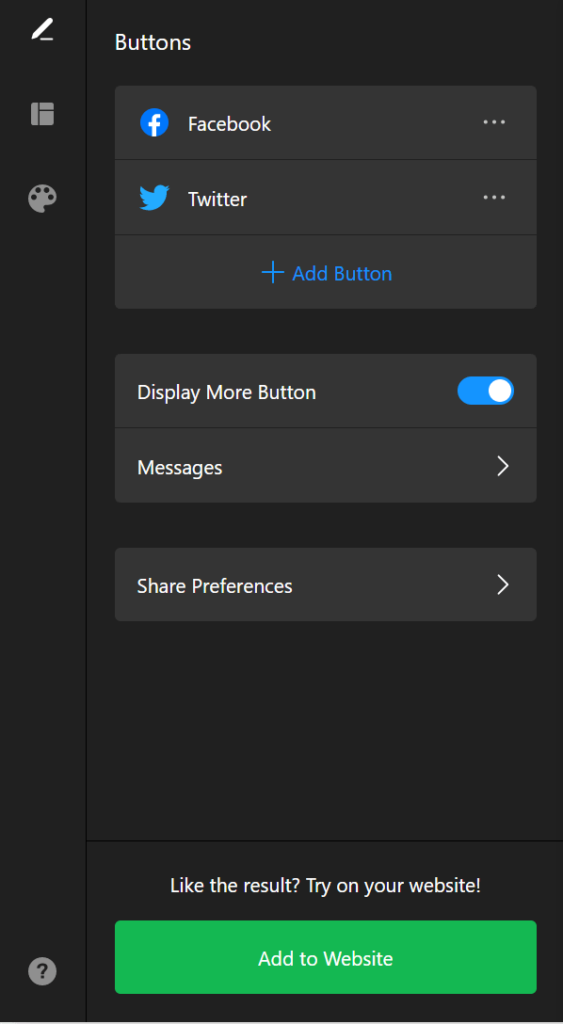
Example

You will need to create a free account, then click Apply > Save

Choose Lite (Free) Plan

Copy the embed code
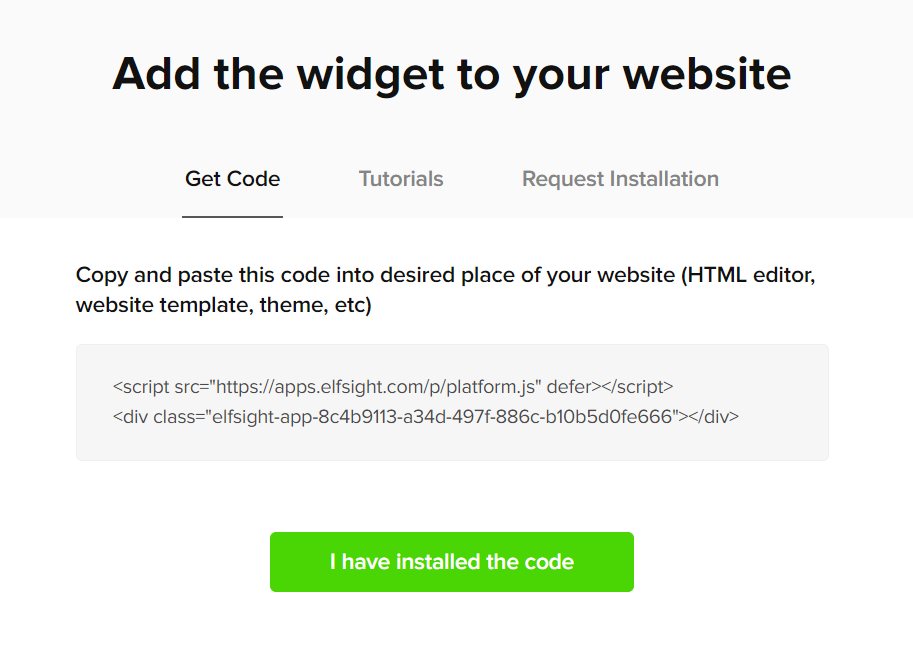
Add it to Settings > Advanced > Code Injection > Header or Post Blog Item Code Injection
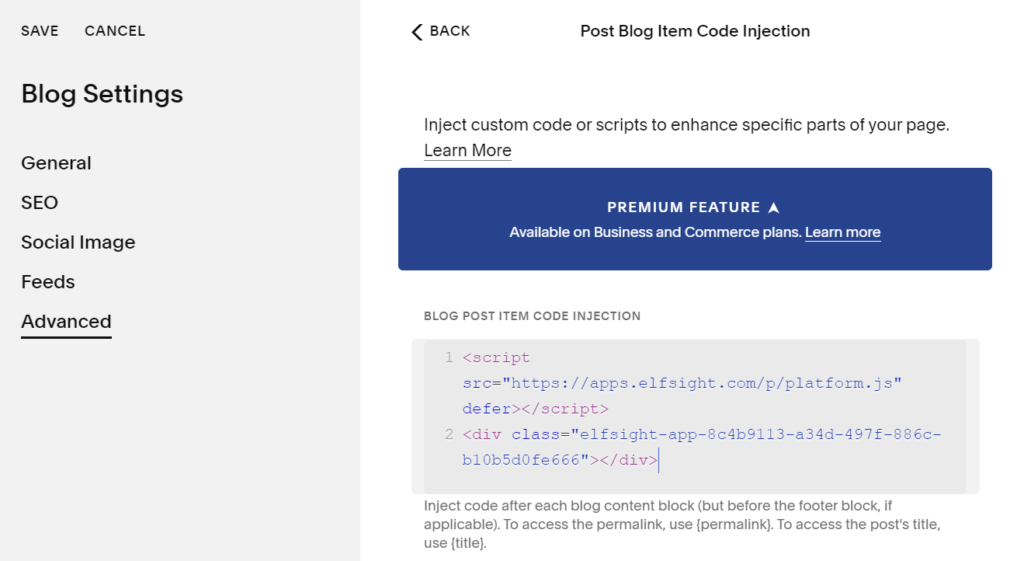
Result