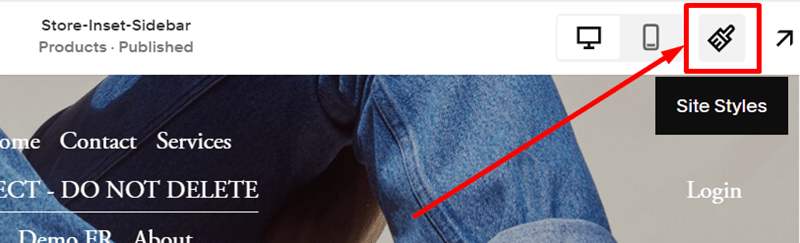
#1. First, you click on the Site Styles icon on the right of the Header
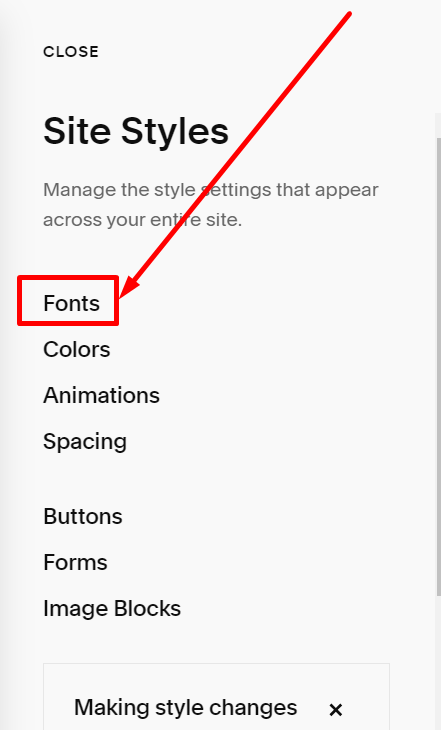
#2. Next, you choose Fonts
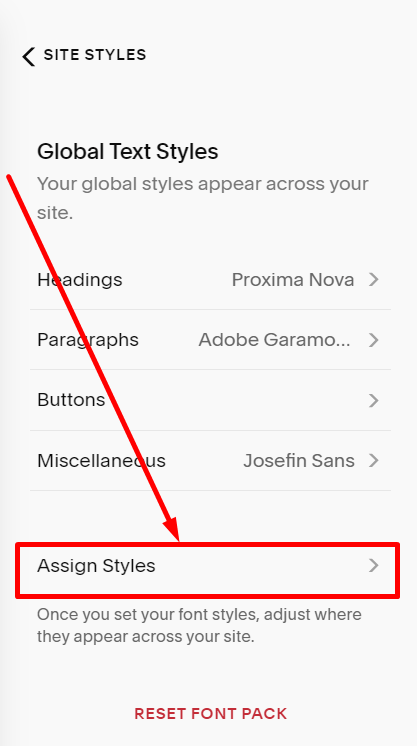
#3. Scroll down to the bottom and choose Assign Styles
#4. Next, click on the Heading of Mobile Site Title

#5. Next, click Paragraph 2 in the Size option

#6. Choose Custom

#7. You can enter a custom size and click Save on the left of the Header