There are 2 ways to disable the Login link:
Option 1. Disable Login Link with Header Options
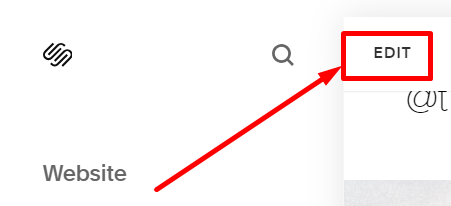
#1. On the main screen of the website, you click on Edit.
#2. Next, hover on the Login link on the Header, and click on EDIT SITE HEADER.

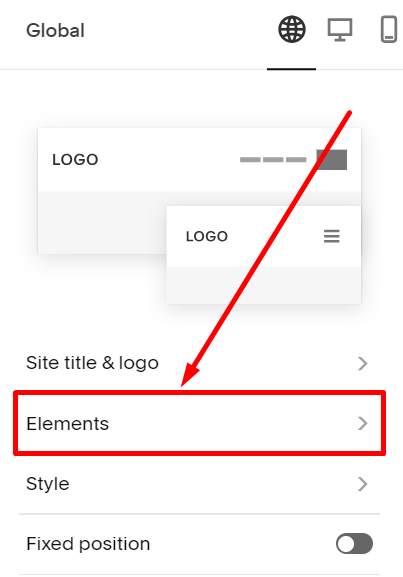
#3. Next, choose Elements.
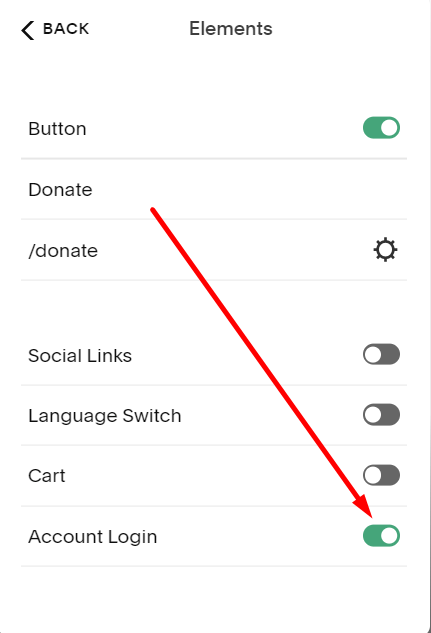
#4. Next, toggle this Account Login option to disable or enable the Login link.
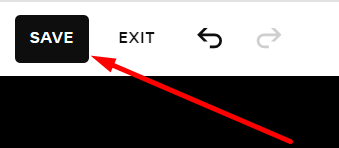
#5. Next, you click Save on the left of the header.
Option 2. Disable Login Link in Customer Accounts
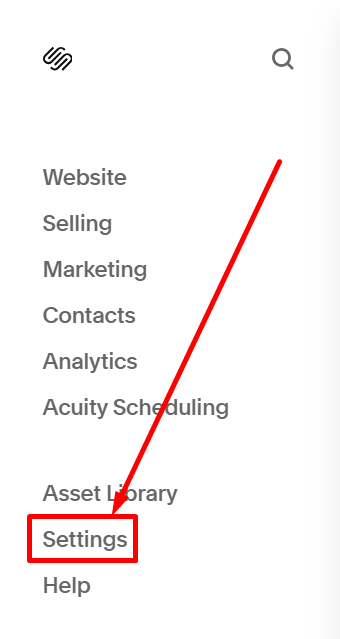
#1. On the left of the main screen of the website, you choose Settings.
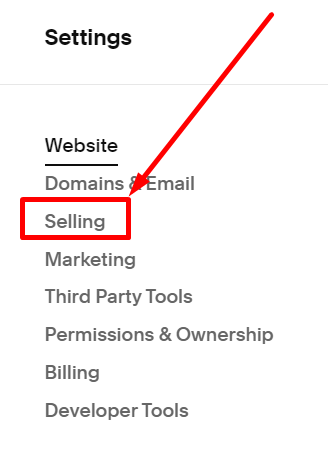
#2. Next, you choose Selling.
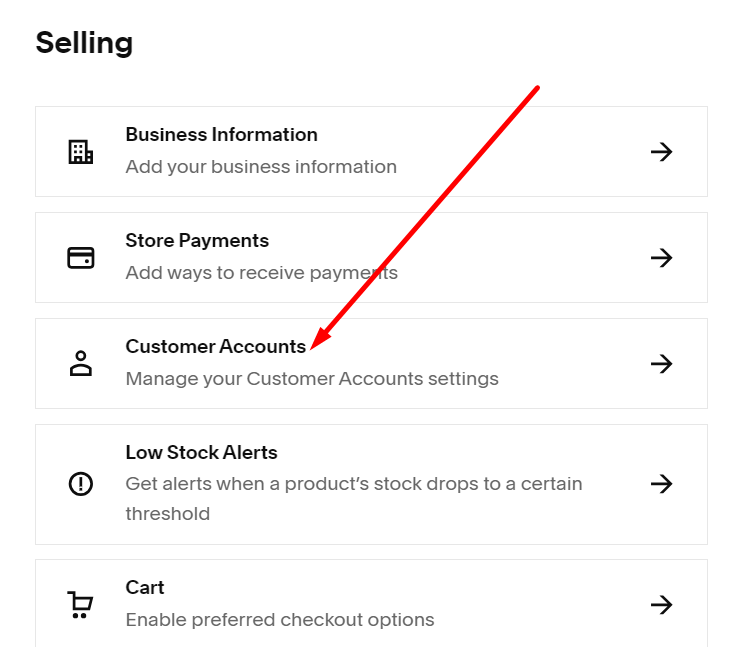
#3. Next, you choose Customer Accounts.
#4. Next, you disable the Customer Accounts icon.
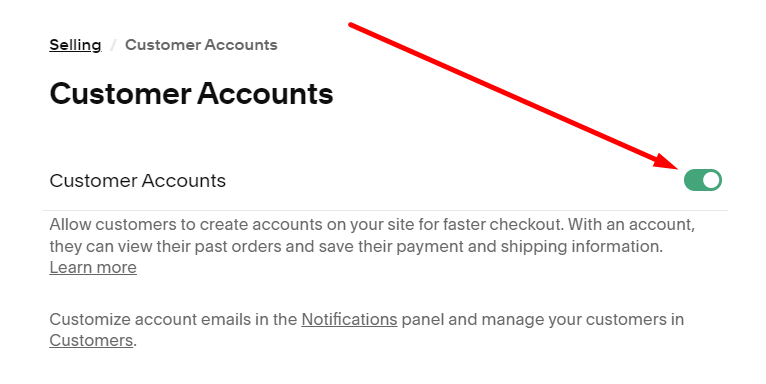
#5. Next, you click Save on the right of the header.