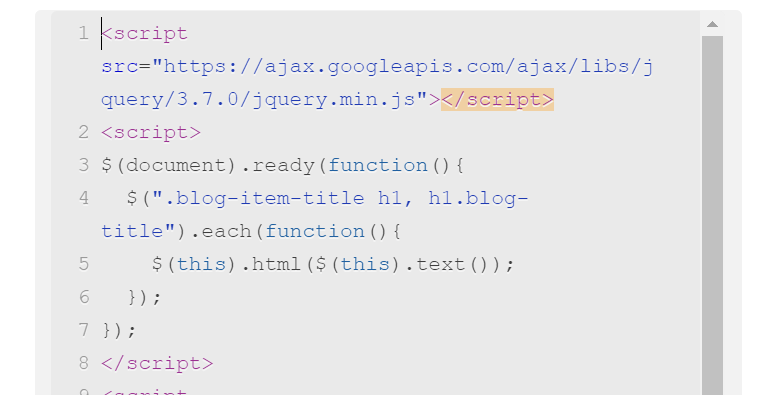
#1. First, use this code to Code Injection – Footer
(or Blog Page Header Code Injection)
<script src="https://ajax.googleapis.com/ajax/libs/jquery/3.7.0/jquery.min.js"></script>
<script>
$(document).ready(function(){
  $(".blog-item-title h1, h1.blog-title").each(function(){
    $(this).html($(this).text());
  });
});
</script>
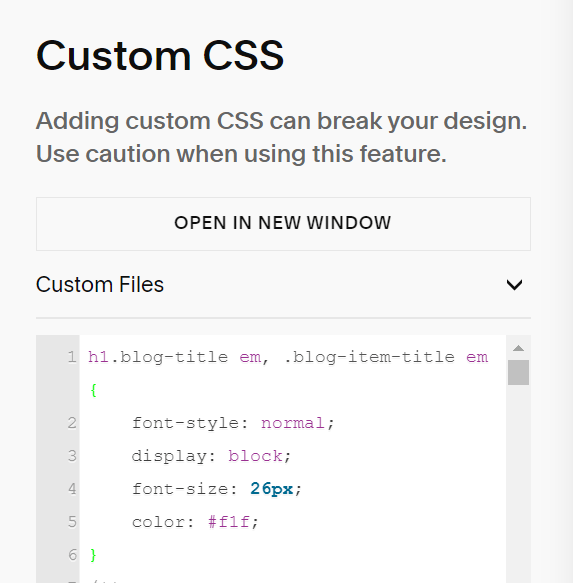
#2. Use this code to Custom CSS box
h1.blog-title em, .blog-item-title em {
    font-style: normal;
    display: block;
    font-size: 26px;
    color: #f1f;
}
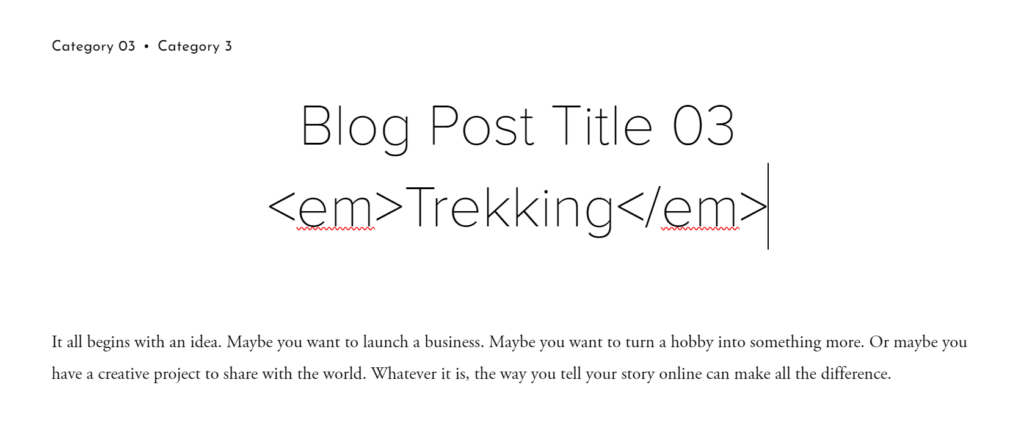
#3. Next, you need to edit Blog Title, use this format. Wrap your subtitle with <em> tag
Blog Post Title 03 <em>Trekking</em>
#4. Result
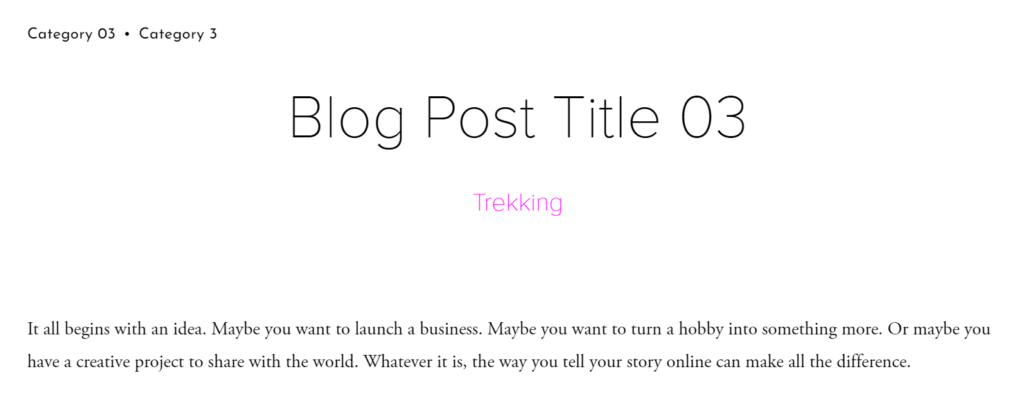
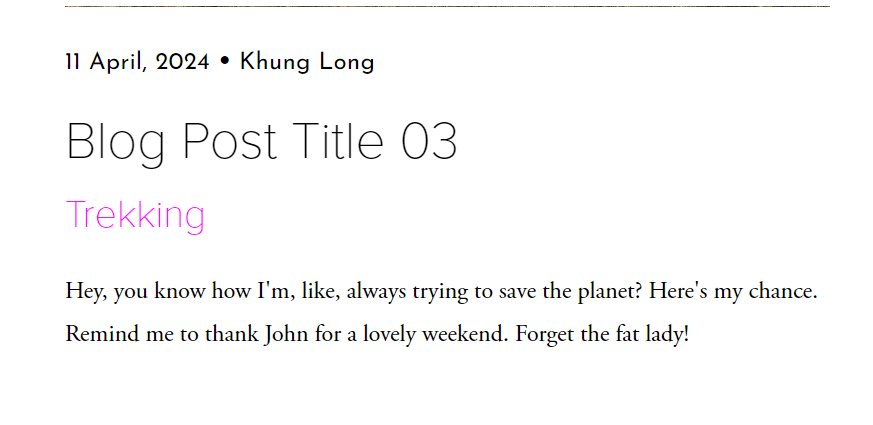
#5. Fix some problems
#5.1. To reduce space between title – sub title, you can use this code to Custom CSS box
/* blog post detail */
div.blog-item-title h1 {
    line-height: 0.8em !important;
}
/* blog list */
h1.blog-title {
    line-height: 0.9em !important;
}
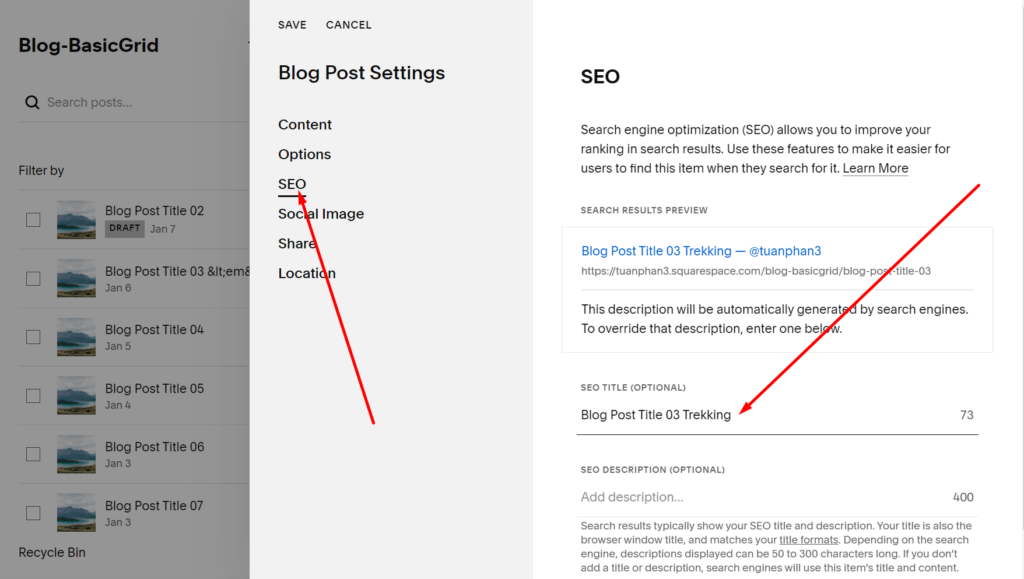
#5.2. To fix <em> tag appears on Google Search Result
You can edit SEO Title of each blog post