#1. Use this free tool to find ID’s Slideshow
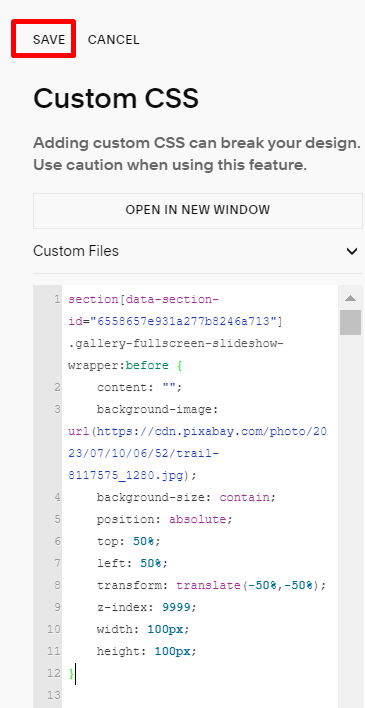
#2. Add this code to the Custom CSS box and Save
- Replace the example Pixabay with your image URL
- Replace the sample ID with your slideshow ID
- Adjust width/height if you want to change the logo size
section[data-section-id="6558657e931a277b8246a713"] .gallery-fullscreen-slideshow-wrapper:before {
    content: "";
    background-image: url(https://cdn.pixabay.com/photo/2023/07/10/06/52/trail-8117575_1280.jpg);
    background-size: contain;
    position: absolute;
    top: 50%;
    left: 50%;
    transform: translate(-50%,-50%);
    z-index: 9999;
    width: 100px;
    height: 100px;
}
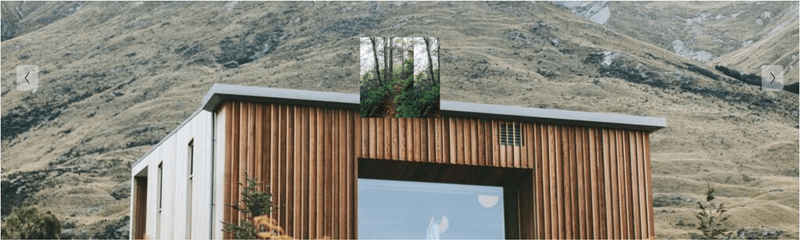
And you will have a result like this