
#1. First, edit Site Footer > Add a Section > Design layout what you want
Here is an example, I will add some info to this section
and suppose this is the second section in the Footer

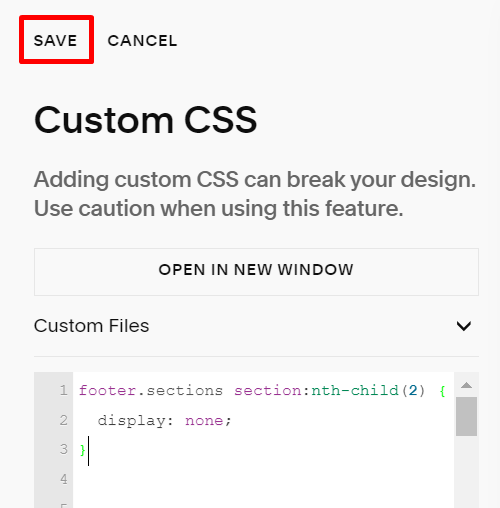
#2. Use this code to Custom CSS box
footer.sections section:nth-child(2) {
  display: none;
}
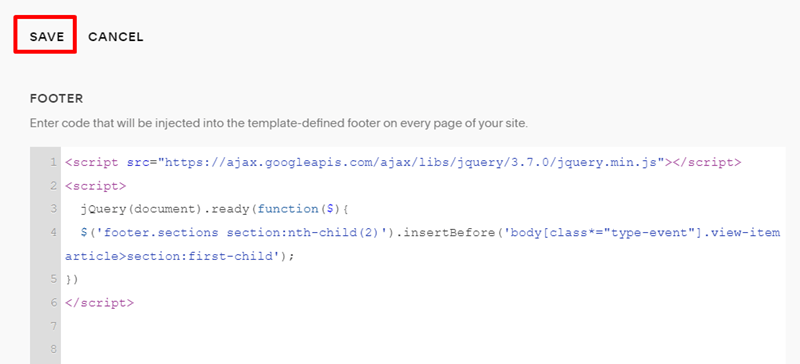
#3. Use this code to Code Injection – Footer
<script src="https://ajax.googleapis.com/ajax/libs/jquery/3.7.0/jquery.min.js"></script>
<script>
  jQuery(document).ready(function($){
  $('footer.sections section:nth-child(2)').insertBefore('body[class*="type-event"].view-item article>section:first-child');
})
</script>
Result: