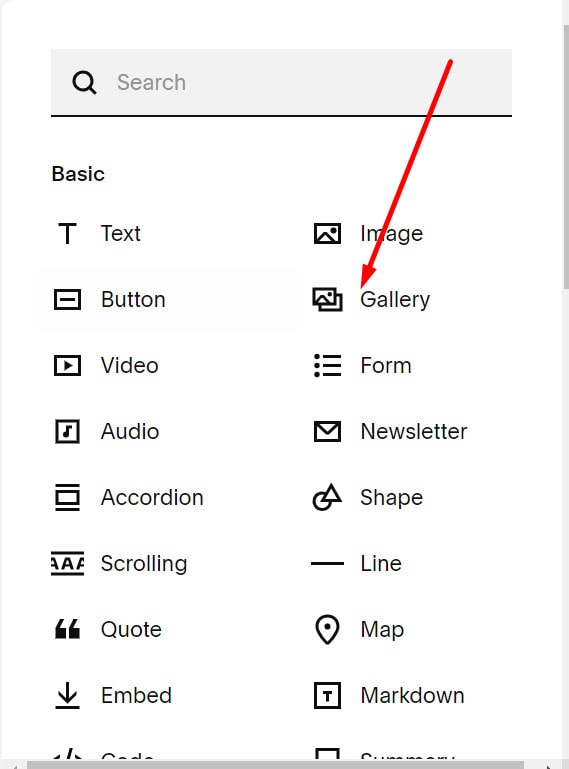
Gallery Section
#1. First, choose the page that you want to add a Gallery and click Edit

#2. Next, you click ADD SECTION

#3. Scroll down a bit to the Images and choose the Gallery Section (section with (i) icon) you want on the right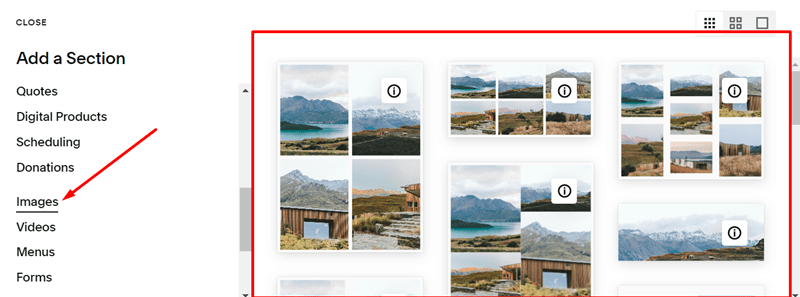
#4. Then, click SAVE on the left of the screen

Gallery Block
#1. Use this code to Code Injection – Footer
<!-- sqs:beyondspace--classic-gallery -->
<script>
(()=>{if(window.self!==window.top&&window.top.Static.SQUARESPACE_CONTEXT.authenticatedAccount){var e="beyondspace--classic-gallery";if(!window.top.document.getElementById(e)){var t=window.top.document.createElement("script");t.id=e,t.src="https://cdn.jsdelivr.net/gh/BeyondspaceStudio/[email protected]/src/classic-gallery-block/index.min.js",window.top.document.body.appendChild(t)}}})();
</script>
<!-- /sqs:beyondspace--classic-gallery -->
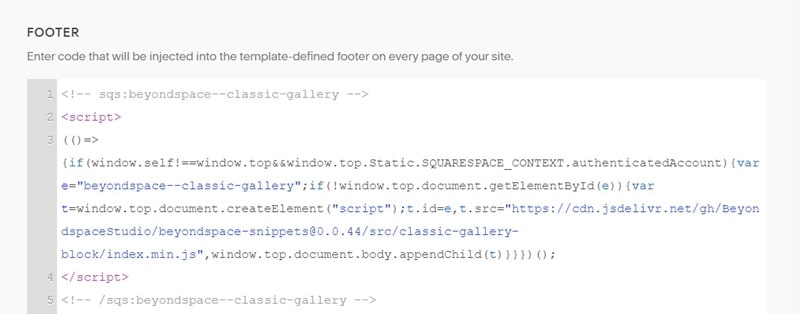
#2. When you add a block, Gallery will appear