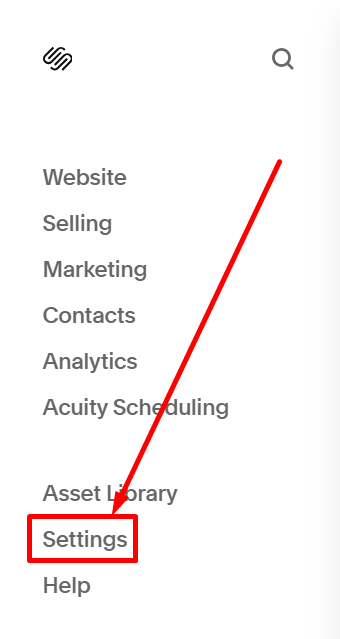
#1. On the left of edit mode, you choose Settings
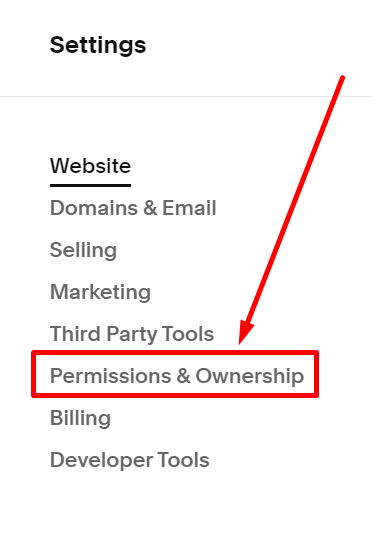
#2. Next, you choose Permissions & Ownership
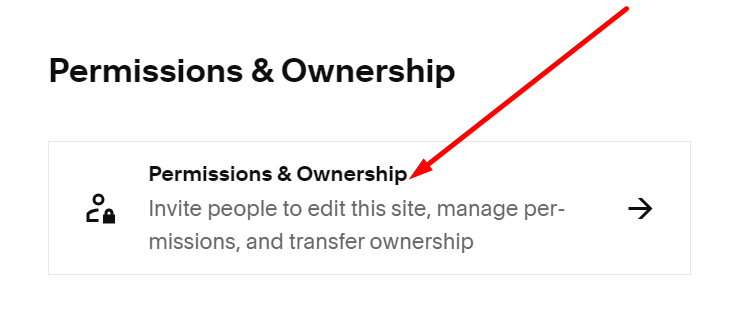
#3. Next, you click on Permissions & Ownership
#4. Next, choose the contributor you want to change permissions
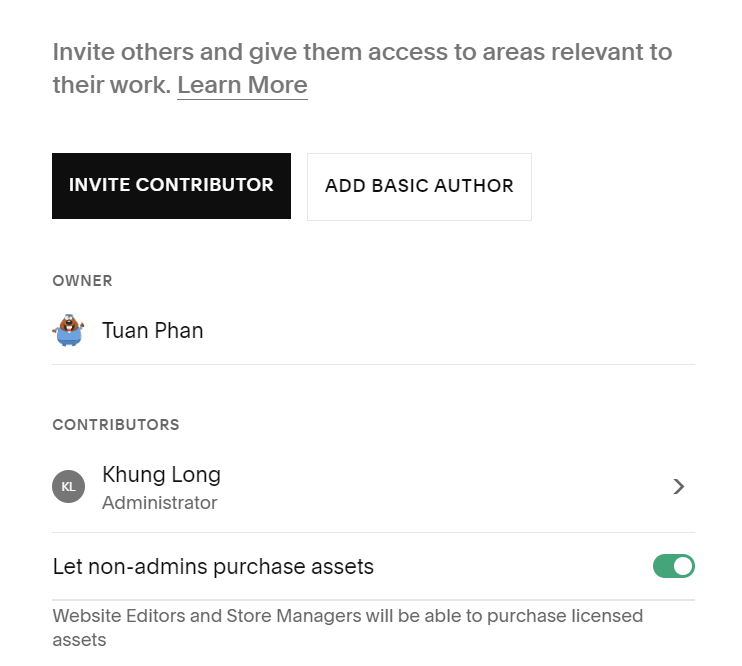
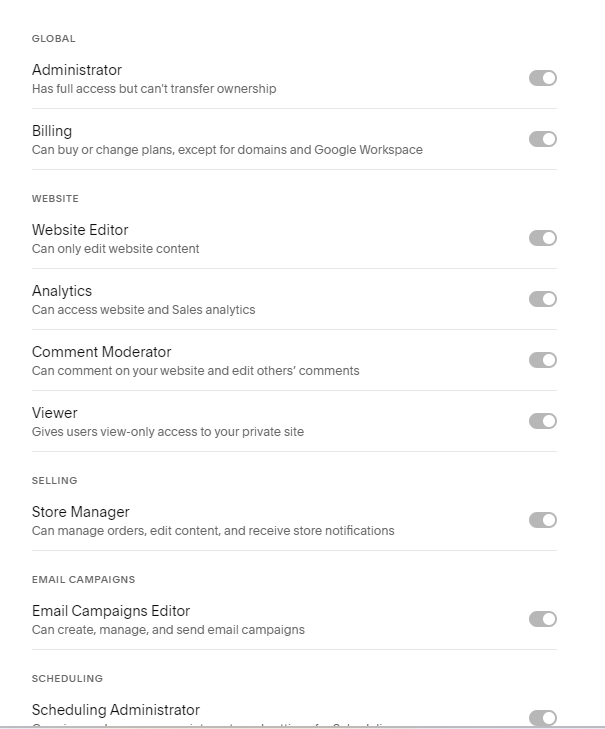
#5. Toggle on any permissions icon you want to change