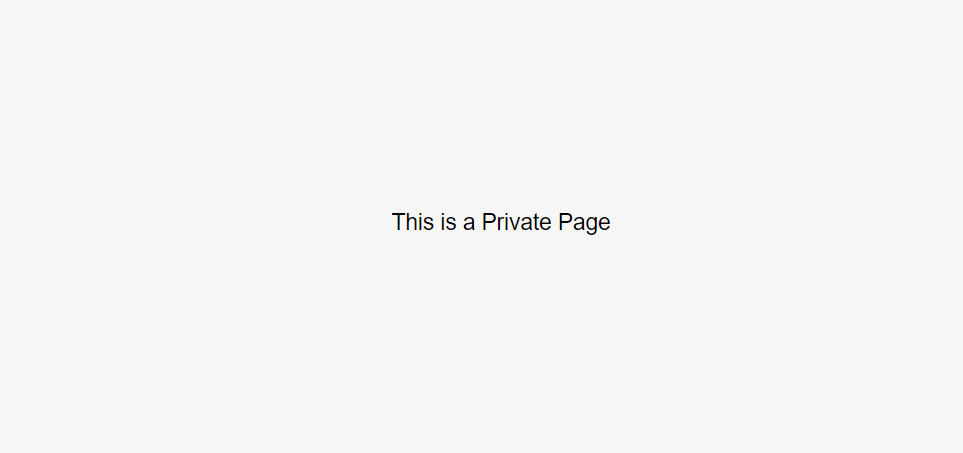
As you know, you can only set up a private site. You cannot set up private for a specific page.
You can only set it as Password-Protected, or Disabled page (but if disabled, when users access it, the browser will say Page Not Found).
Use this plugin to make a page private. It is FREE. You can buy me a coffee if it helpful for you.
#1. Add this code to Code Injection Footer
(If your plan doesn’t support Code Injection, you can edit Site Footer > Add a Block > Choose Markdown > Paste the code, this same for #1 and #2 code)
<script src="https://ajax.googleapis.com/ajax/libs/jquery/3.7.0/jquery.min.js"></script>
<script>
$(document).ready(function(){
    	$('.code-block .private-page').closest('body').addClass('private-page');
    });
</script>
#2. Add this code to Code Injection Header
body.private-page:not(.sqs-edit-mode):after {
    content: "This is a Private Page";
    position: fixed;
    background-color: #f6f6f6;
    top: 0;
    left: 0;
    width: 100%;
    height: 100%;
    z-index: 999999;
    display: flex;
    justify-content: center;
    align-items: center;
    overflow: hidden;
}
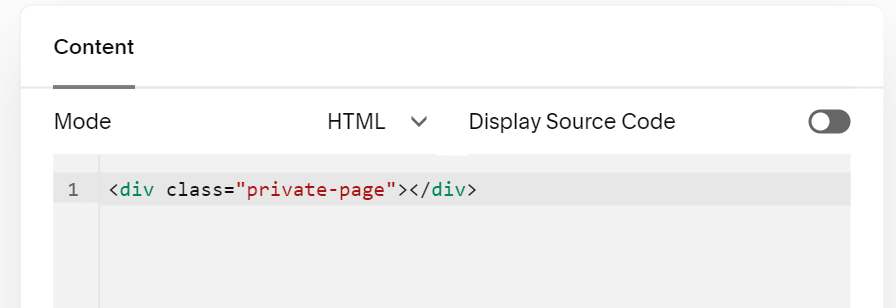
#3. Edit Page where you want to make it Private > Add a Block > Choose Code > Paste this code
<div class="private-page"></div>
Result