Suppose you want to add an email and phone icon next to the Header button, like this.

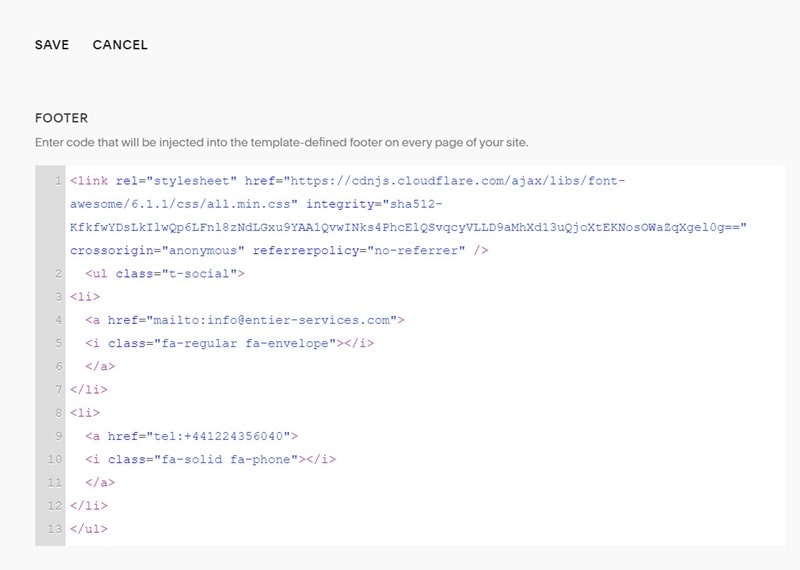
#1. Use this code to Code Injection – Footer
<link rel="stylesheet" href="https://cdnjs.cloudflare.com/ajax/libs/font-awesome/6.1.1/css/all.min.css" integrity="sha512-KfkfwYDsLkIlwQp6LFnl8zNdLGxu9YAA1QvwINks4PhcElQSvqcyVLLD9aMhXd13uQjoXtEKNosOWaZqXgel0g==" crossorigin="anonymous" referrerpolicy="no-referrer" />
  <ul class="t-social">
<li>
  <a href="mailto:[email protected]">
  <i class="fa-regular fa-envelope"></i>
  </a>
</li>
<li>
  <a href="tel:+441224356040">
  <i class="fa-solid fa-phone"></i>
  </a>
</li>
</ul>
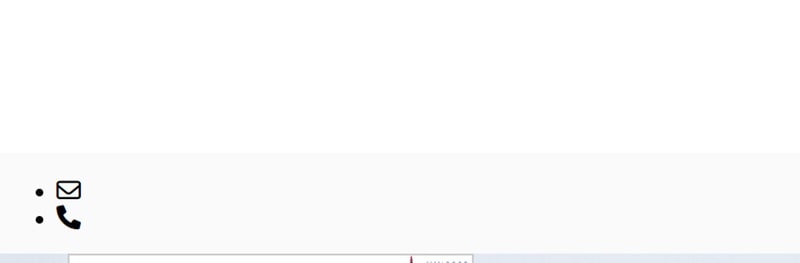
It will appear at the bottom of the site, like this
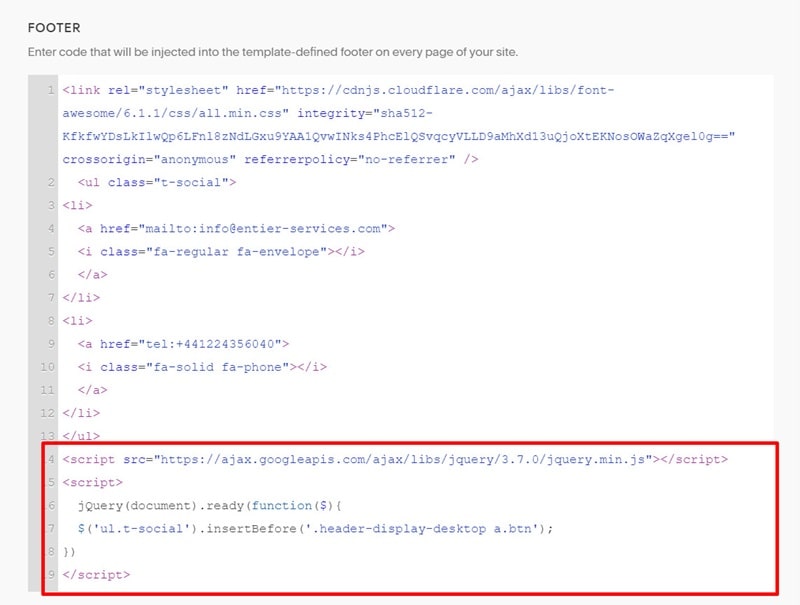
#2. Use this code to Code Injection – Footer, under #1 code.
<script src="https://ajax.googleapis.com/ajax/libs/jquery/3.7.0/jquery.min.js"></script>
<script>
  jQuery(document).ready(function($){
  $('ul.t-social').insertBefore('.header-display-desktop a.btn');
})
</script>
You will have

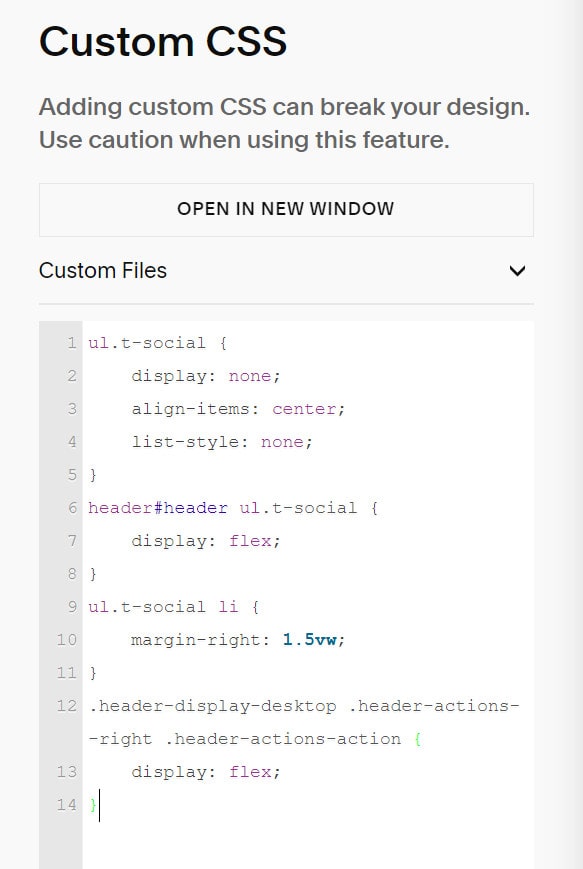
#3. Use this code to Custom CSS box
ul.t-social {
    display: none;
    align-items: center;
    list-style: none;
}
header#header ul.t-social {
    display: flex;
}
ul.t-social li {
    margin-right: 1.5vw;
}
.header-display-desktop .header-actions--right .header-actions-action {
    display: flex;
}
You will have