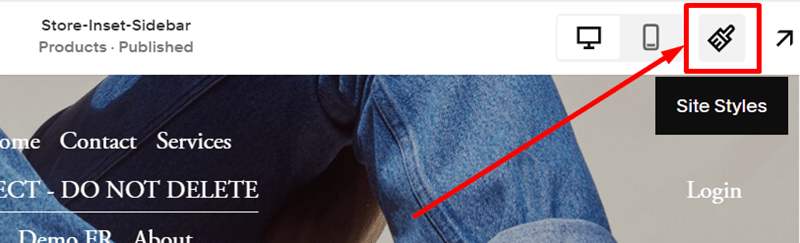
First, you click on the Site Styles icon on the right of the Header
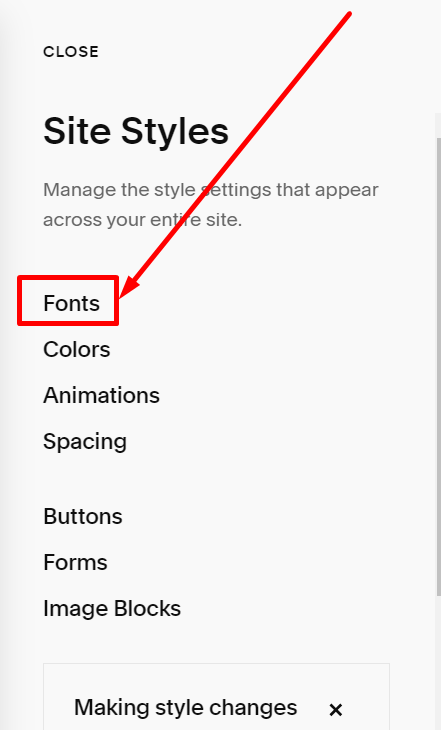
Next, you choose Fonts
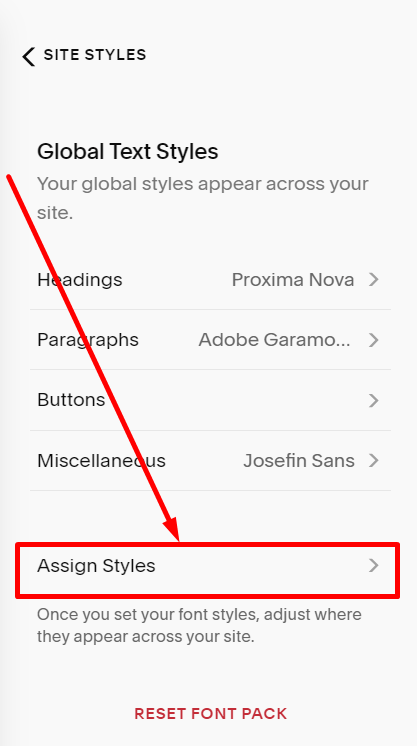
Scroll down to the bottom and choose Assign Styles
Blog List
You can click on the Heading of Title like below.


And then, click on the Heading 3 of the Size option

Next, you choose Custom

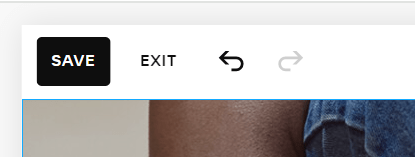
Finally, change to the custom size you want and click Save on the left of the Header

Blog Detail Post
Scroll down a bit and click on Heading of Title – Blog Post

And then, click on the Heading 1 of the Size option

Next, you choose Custom
Finally, change to the custom size you want and click Save on the left of the Header
