#1. Hover on the product you want to add a button, then click on the 3 dots (…).
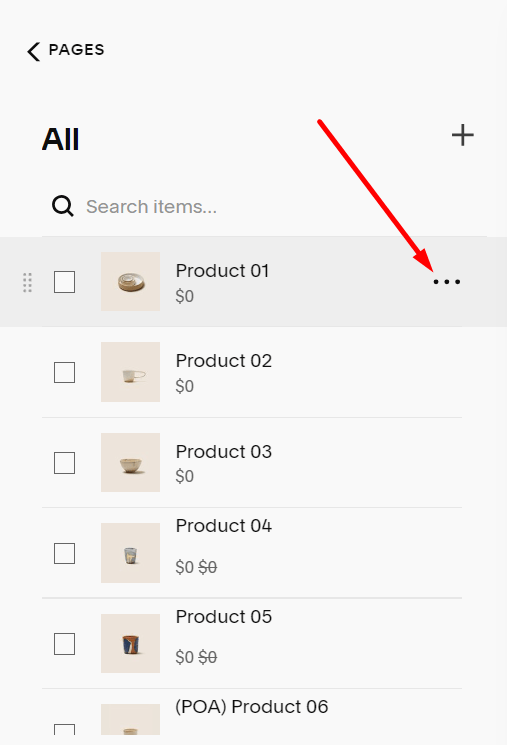
#2. Next, click Edit.

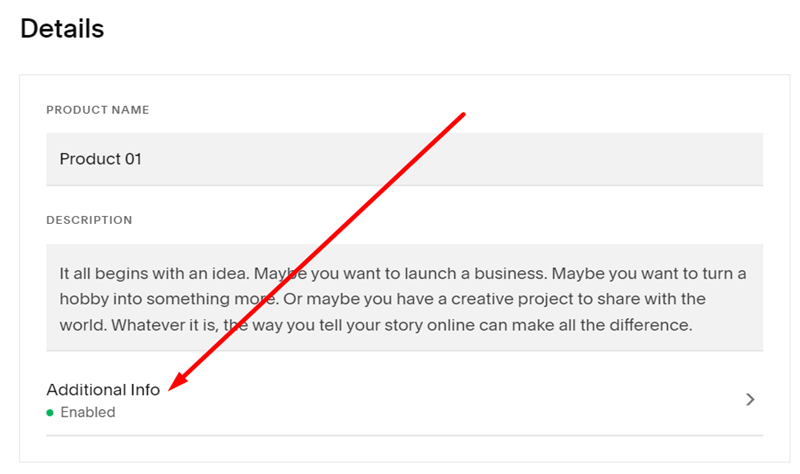
#3. Next, you click on Additional Info.
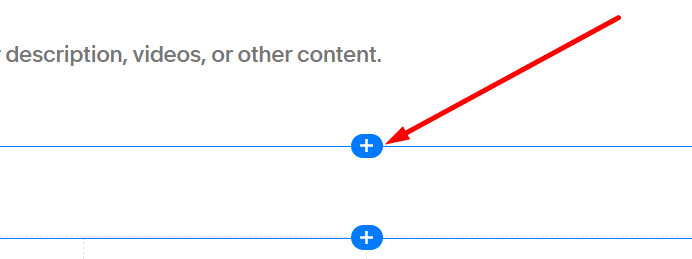
#4. Next, hover on anywhere on the content box and click the plus icon (+)
#5. Next, choose the Accordion.

#6. Enter your Title and Description, then click Apply.

#7. Next, click Save.