Description: adding a back to top text between Blog Post Pagination

You can use this code to Blog Page Header Injection
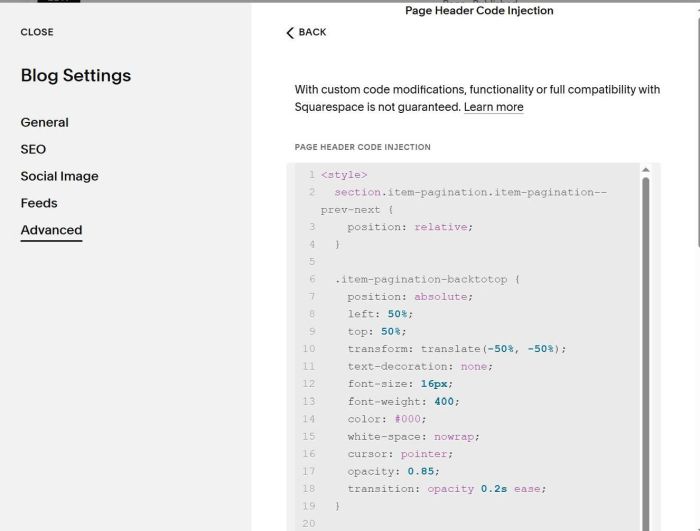
<style>
  section.item-pagination.item-pagination--prev-next {
    position: relative;
  }

  .item-pagination-backtotop {
    position: absolute;
    left: 50%;
    top: 50%;
    transform: translate(-50%, -50%);
    text-decoration: none;
    font-size: 16px;
    font-weight: 400;
    color: #000;
    white-space: nowrap;
    cursor: pointer;
    opacity: 0.85;
    transition: opacity 0.2s ease;
  }

  .item-pagination-backtotop:hover {
    opacity: 1;
  }
</style>

<script>
  document.addEventListener('DOMContentLoaded', function () {
    const pagination = document.querySelector('section.item-pagination.item-pagination--prev-next');
    if (!pagination) return;

    if (pagination.querySelector('.item-pagination-backtotop')) return;

    const backToTop = document.createElement('a');
    backToTop.className = 'item-pagination-backtotop';
    backToTop.href = '#';
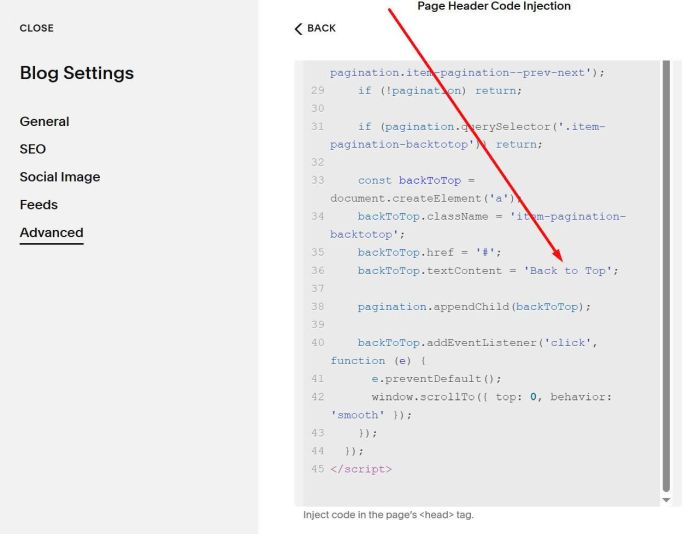
    backToTop.textContent = 'Back to Top';

    pagination.appendChild(backToTop);

    backToTop.addEventListener('click', function (e) {
      e.preventDefault();
      window.scrollTo({ top: 0, behavior: 'smooth' });
    });
  });
</script>
You can change text here.