Description
- adding back to top in Personal Plan
- back to top only appears after scrolling down a certain distance.
- buy a coffee
Note
- Used this tool to build back to top, but tweak a bit to make it work in Personal Plan
#1. Install Code
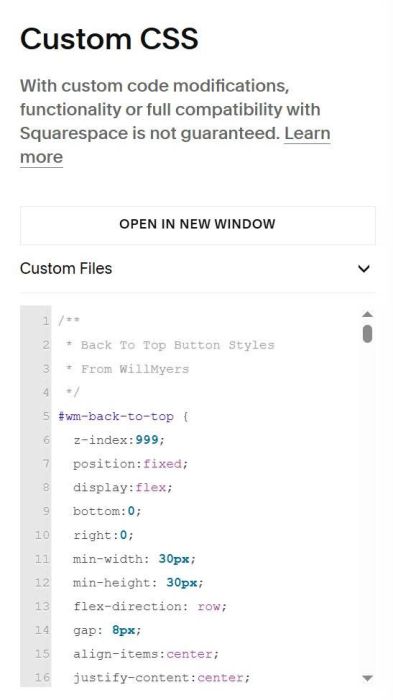
#1.1. First, use this code to Custom CSS
/**
 * Back To Top Button Styles
 * From WillMyers
 */
#wm-back-to-top {
  z-index:999;
  position:fixed;
  display:flex;
  bottom:0;
  right:0;
  min-width: 30px;
  min-height: 30px;
  flex-direction: row;
  gap: 8px;
  align-items:center;
  justify-content:center;
  box-sizing:content-box;
  margin: 10px;
  padding: 8px;
  cursor:pointer;
  opacity:0;
  overflow:hidden;
  transform: translateY(0px) scale(1);
  background:transparent;
  border-radius: 50px;
  border-width: 0px;
  border-color: #000000;
  border-style:solid;
  visibility:hidden;
  transition: opacity .3s ease,
    transform .3s ease,
    visibility 0s ease .3s;
  will-change:transform;
  backdrop-filter: blur(0px);

  &.show{
    transform: translateY(0px);
    opacity:1;
    visibility: visible;
    transition: opacity .3s ease,
      transform .3s ease,
      visibility 0s ease 0s;
  }
  .icon{
    position:relative;
    display:flex;
    justify-content:center;
    line-height:0;
    height:auto;
    width:auto;
  }
  .text{
    position:relative;
    margin:0;
    font-size: 0.8rem;
    font-weight: 500;
    color: #000000;
    text-transform: uppercase;
  }
  svg{
    width: 20px;
    height: 20px;
  }
  path{
    stroke-width: 5px;
    stroke: #000000;
  }
  .btt-background {
    box-sizing:border-box;
    position:absolute;
    top:0;
    left:0;
    height:100%;
    width:100%;
    background-color: #ff7f50;
    opacity: 1;
    transition: opacity .3s ease;
  }

  &:hover{
    transform:translateY(-3px);
    opacity: .85;
  }
  &:active{
    transform: translateY(-3px) scale(.95);
  }
}
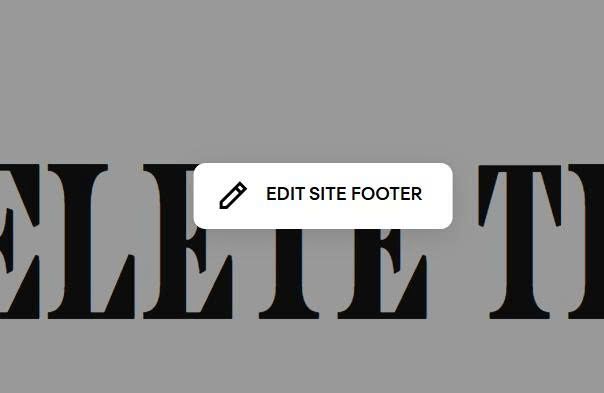
#1.2. Edit Site Footer
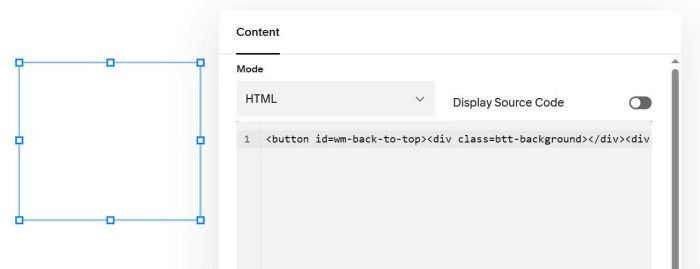
Adding a Code Block to Site Footer with this code
<button id=wm-back-to-top><div class=btt-background></div><div class=icon><svg aria-labelledby=title role=img viewBox="0 0 64 64"xmlns=http://www.w3.org/2000/svg xmlns:xlink=http://www.w3.org/1999/xlink><title>Arrow Up</title><path d="M32 10v46"data-name=layer2 fill=none stroke=#202020 stroke-linecap=round stroke-linejoin=round stroke-miterlimit=10 stroke-width=2></path><path d="M50 20 L32 4 14 20"data-name=layer1 fill=none stroke=#202020 stroke-linecap=round stroke-linejoin=round stroke-miterlimit=10 stroke-width=2></path></svg></div></button>
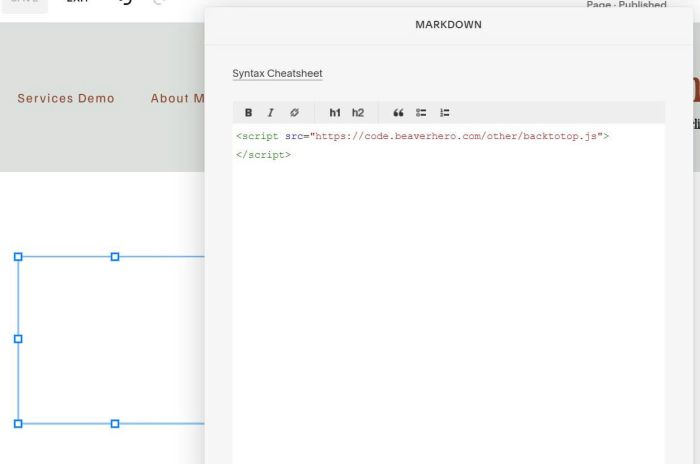
#1.3. Adding a Markdown Block next to Code Block with this code
<script src="https://code.beaverhero.com/other/backtotop.js"></script>
#1.4. Result

#2. Customize
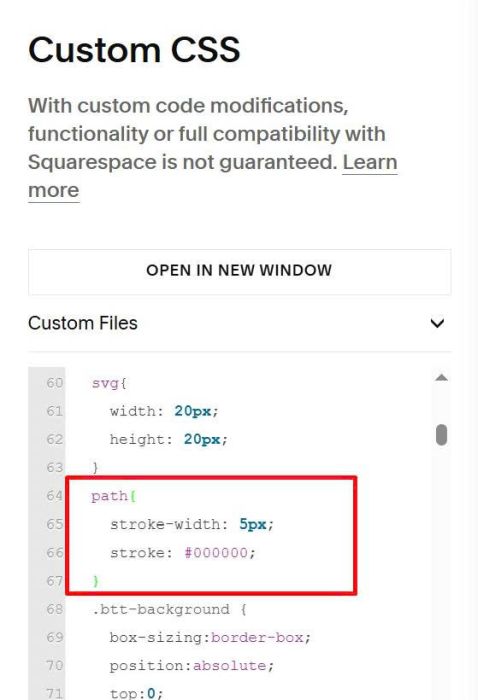
#2.1. Change arrow color
Find these lines
path{
  stroke-width: 5px;
  stroke: #000000;
}
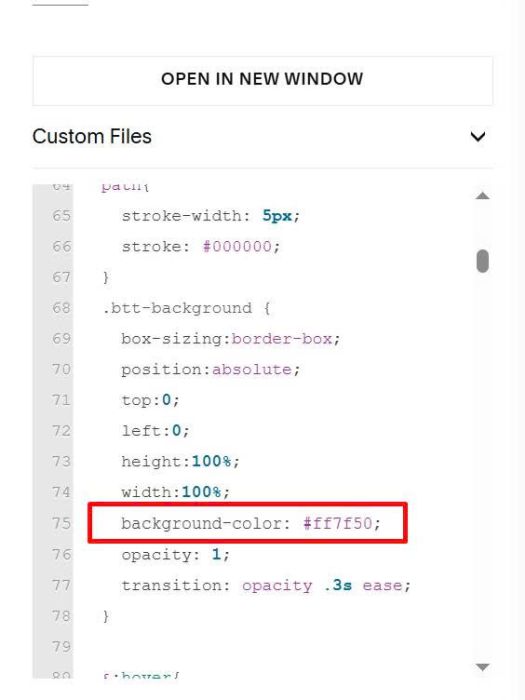
#2.2. Change background behind arrow
Find these lines
.btt-background {
  box-sizing:border-box;
  position:absolute;
  top:0;
  left:0;
  height:100%;
  width:100%;
  background-color: #ff7f50;
  opacity: 1;
  transition: opacity .3s ease;
}