Description
- adding prev/next to product detail page
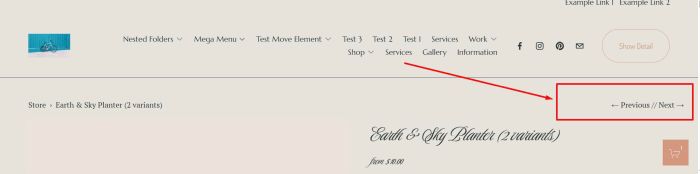
#1. Install Code
#1.1. First, use this code to Code Injection > Footer
<script>
  const productNavConfig = {
  storeUrls: ['/store', '/shop', '/handmade']
};
</script>
<script>
async function addProductNav(){const t=productNavConfig.storeUrls;try{const r=document.querySelector(".product-nav");if(!r)throw new Error("Navigation element not found");let e=null,o=null;for(const n of t){const t=r.querySelector(`a[href*="${n}/p/"]`);if(t){e=n,o=t;break}}if(!o)throw new Error("Current product link not found");const n=o.href,c=await fetch(e);if(!c.ok)throw new Error(`Failed to fetch product list: ${c.statusText}`);const d=await c.text(),i=(new DOMParser).parseFromString(d,"text/html"),a=Array.from(i.querySelectorAll(".product-list-item")).map((t=>({url:t.querySelector(".product-list-item-link")?.href,title:t.querySelector(".product-list-item-title")?.textContent?.trim()})));if(!a.length)throw new Error("No products found in the collection");const l=a.findIndex((t=>t.url===n));if(-1===l)throw new Error("Current product not found in the collection");const s=a[l-1],u=a[l+1],p=document.createElement("div");if(p.classList.add("product-nav-links"),s){const t=document.createElement("a");t.href=s.url,t.classList.add("product-nav-previous"),t.innerHTML="<span>←</span> Previous",p.appendChild(t)}if(u){const t=document.createElement("a");t.href=u.url,t.classList.add("product-nav-next"),t.innerHTML="Next <span>→</span>",p.appendChild(t)}r.appendChild(p)}catch(t){console.error("Error in addProductNav:",t)}}window.addEventListener("load",addProductNav);
</script>
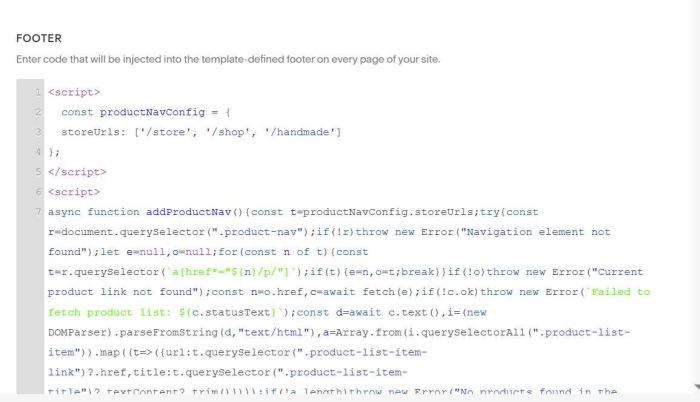
#1.2. Next, use this code to Custom CSS
a.product-nav-previous:after {
    content: " // ";
}
.product-nav .product-nav-breadcrumb, .product-nav .product-nav-pagination {
    display: flex !important;
    align-items: center;
  justify-content: space-between !important
}
div.product-nav-links {
    float: right;
    position: absolute;
    right: 2vw;
}
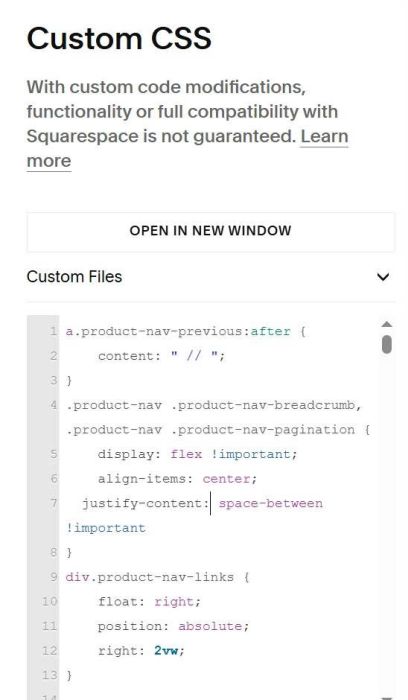
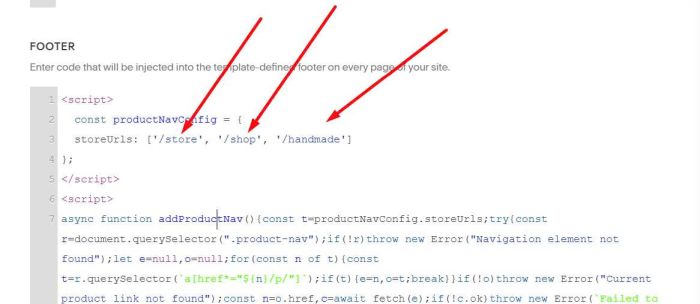
#2. Usage
You need to update Store Page URL here
#3. Customize
#3.1. To make Prev/Next appear on mobile, use this code to Custom CSS
@media screen and (max-width:767px) {
    nav.product-nav {
    display: block !important;
}}